What is a Google business profile?
A Google Business Profile is a free overview that allows companies to control how they are displayed in Google Search and Google Maps. It contains key information such as name, address and opening hours as well as photos, contributions and reviews. A complete profile makes it easier for potential customers to make initial contact.
Setup steps:
- Create a Google account or use an existing one
- Create a company profile and verify location (postcard, phone, email)
- Enter basic data and update your profile regularly
Up-to-date maintenance ensures that users find reliable information.
Key features and profile areas
In the Google business profile, you can manage various elements that are decisive for visibility and interaction:
company info
- Name, address, web link, and telephone
- Opening hours for weekdays, weekends and holidays
- Category and description (max 750 characters)
photos and videos
- At least 10 images (4:3 or 1:1, max. 5 MB)
- Short video (approx. 30 seconds, H.264 720p, max 75 MB)
- Filenames with keywords (such as “kaffeehaus-freiburg.jpg”)
Contributions and offers
- Categories: News, Event, Offer
- Title, description, and call-to-action button
- Regular updates (two posts per week)
Services and Q&A
- Service descriptions with clear titles and keywords
- Attributes such as “contactless” or “outdoor area”
- Q&A module: answer customer questions directly
Insights
- Views, search terms, actions (calls, directions, website clicks)
- Identify trends and seasonal developments
- Data export for analyses (Google Analytics, Search Console)
Practical examples of differentiated profiles
- Restaurant: Present weekly menu items in the contribution module
- Retail: Create a product gallery with price information
- Crafts: Add before and after pictures in the photo section
Mandatory fields and optional optimizations
In order for your company profile to appear in local search and on maps, all mandatory fields must first be completed. Only then are optional optimizations worthwhile.
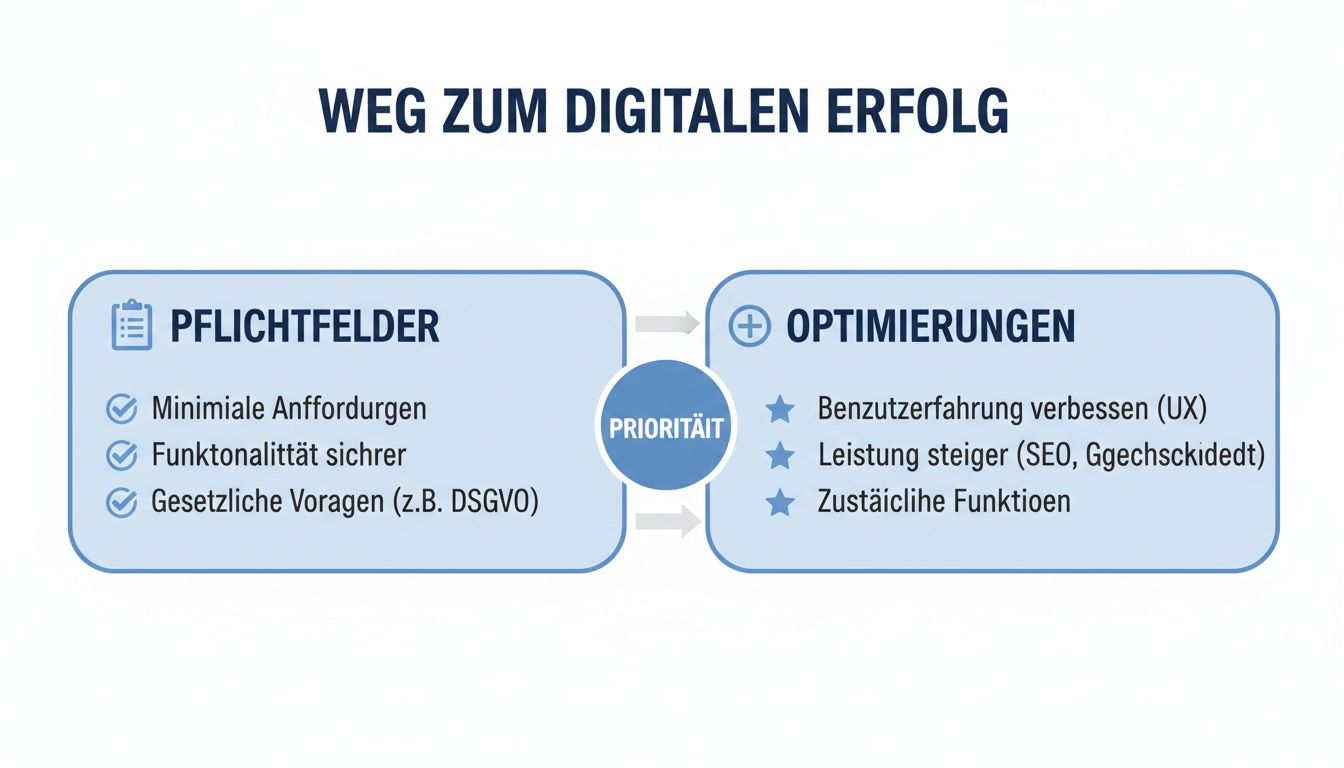
Field typeMandatory fieldsOptional optimizationsBase data name, address descriptionOpening hoursMonday—Sunday, holidaysAdditional opening hoursCategory Main CategoryLevel Visibility—Services, Attributes, Contributions
Priorities:
- Check and complete basic data
- Define main and secondary categories
- Optimize description with keywords
- Add benefits, attributes, and contributions
More details about business directory integration and local placement:
Roles and permissions
Clear team responsibilities protect your profile and ensure consistent entries. There are three main roles:
- Owner: full control, can add/remove users
- Administrator: manages content and responds to feedback
- Manager: edits entries without assigning roles
Invitation and allocation
- Open Users in the dashboard
- Enter email address, select role
- Send an invitation (confirmation link in email)
Modification and removal
- Change role or withdraw access in the user area
- Use temporary administrators for agency projects
Notifications and audits
- Enable email notifications
- Conduct monthly reviews
- Log changes
Optimization checklist
- Create and verify a profile (postcard/email/phone)
- Fill in mandatory fields (name, address, opening hours, main category)
- Add description and services (relevant keywords)
- Upload photos and videos (min. 10 images, 1 video)
- Schedule and publish posts (two per week)
- Manage reviews (daily, factual answers)
- Analyze insights (monthly, clicks, views, search terms)
- Check roles and permissions (monthly audit)
Summary and next step
With a complete Google company profile, you can improve your local visibility and increase inquiries. First fill out all mandatory fields, then optimize optional content and distribute clear roles within the team. Follow your key figures regularly and adapt your profile to current developments.
Implement now: Visit the Google Help Center and start profile optimization.