Why a Google business profile is important for your company
A Google business profile is more than just an online listing; it's a central tool for your local marketing. Put yourself in the shoes of your customers: Someone spontaneously searches for “hairdresser near me” or needs an “emergency plumber service.” At that moment, you need to be visible — with all relevant information at a glance.
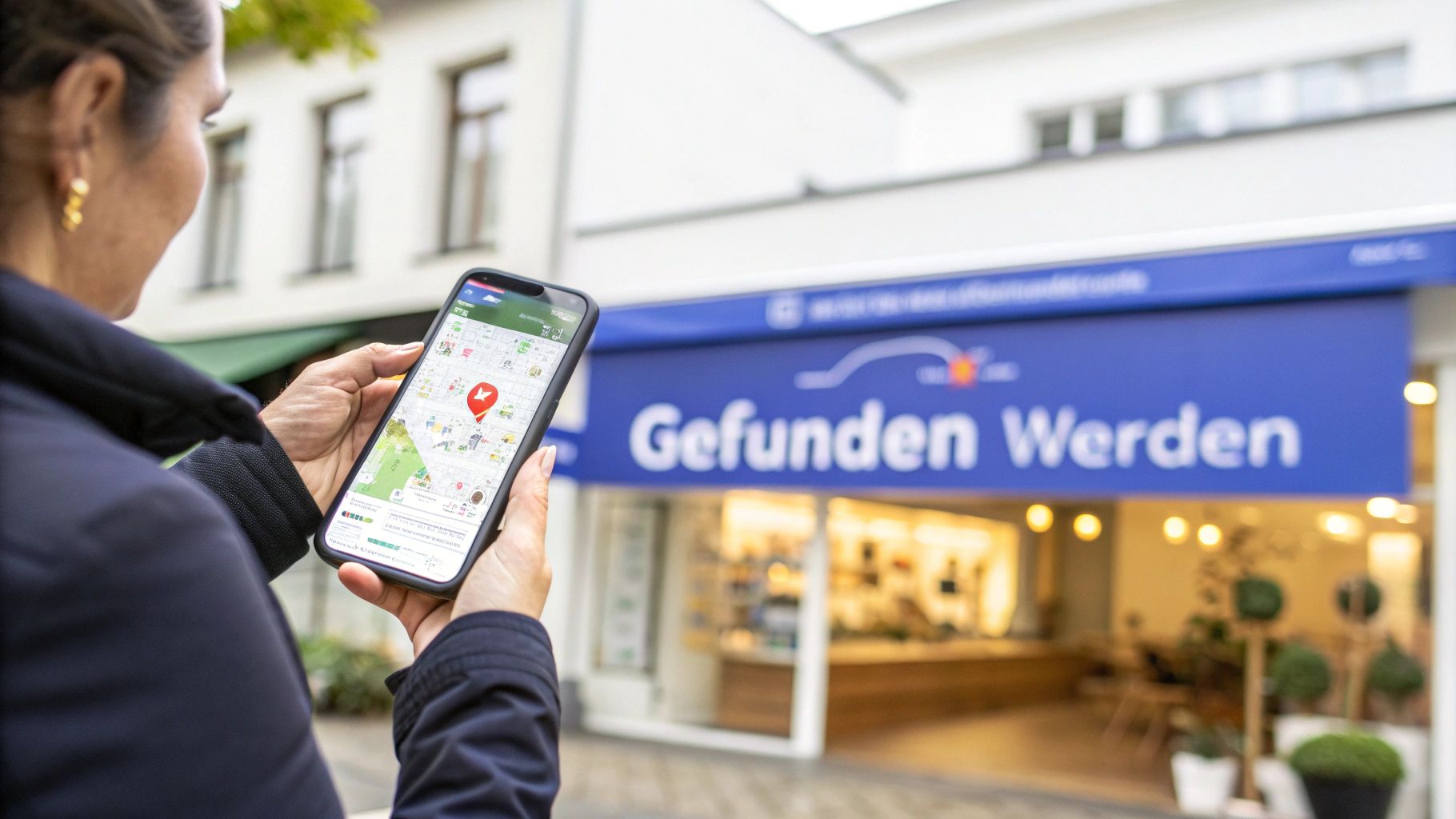
A well-maintained profile creates trust and makes it easier for potential customers to get in touch with you. With one click, they can call you, visit your website, or plan the route to your location.
Ensuring visibility in competition
Digital visibility is becoming increasingly important. In the first three quarters of 2025 alone, around 99,300 new businesses founded with greater economic significance. This represents an increase of 9,5% compared to the same period of the previous year. These figures show that companies that do not clearly position themselves online are quickly overlooked. The Federal Statistical Office provides more detailed data on this, for example at osna-live.de.
More than just a business listing
It's about staying in control of your digital first impression. An optimized profile is not a secondary issue, but the foundation for successful local marketing and a direct route to more customers.
A fully completed Google business profile answers your customers' most important questions before they are asked and can make the decisive difference between a searcher becoming your customer.
The targeted maintenance of this entry is a central component of any strategy for local search engine optimization. The aim is to be found exactly when there is a need and thus actively move your business forward.
Laying the foundation: How to properly create your Google company profile
Who his List your company on Google would like, should proceed carefully from the outset to avoid subsequent corrections. A solid foundation is the key to success, starting with the exact company name.
The company name: Korrektheit vor Kreativität
Your company name must That's exactly what they sayas it appears on your shop sign, in the legal notice of your website or on official business documents. Resist the temptation to add keywords or location, such as “Painter Müller Berlin.” This is against Google guidelines and may result in the profile being blocked.
A practical example:
- That's right: Painter Müller
- Wrong: Best painter Müller in Berlin
This consistency, also known as NAP (Name, Address, Phone) consistency, is an important sign of trust for Google. Divergent data in various places on the network can cause confusion and have a negative impact on your local ranking.
Choose the right company category
The name is followed by the selection of the correct category. Google provides an extensive list of major and minor categories that you can use to precisely describe your business. The main category has the biggest impact on which searches your profile is shown for.
Select the most specific categorythat best describes your core business. If you run an Italian restaurant that also delivers pizza, “Italian restaurant” is a better choice than the general “restaurant.” You can then add “pizzeria” and “delivery service” as secondary categories.
The main category is a guide to the Google algorithm. In doing so, you clearly tell him what you offer and for which customers you are relevant. An inaccurate choice may result in you being pitted for irrelevant inquiries or your visibility may suffer.
Enter master data without errors
The address, telephone number and opening hours must not only be correct, but also consistent across the Internet. Clean, consistent formatting is critical for Google to consider you a reliable source.
- address: Use the official spelling of your street and zip code.
- telephone number: Enter your primary business number in international format (e.g. +49 for Germany) to ensure accessibility.
- Opening hours: Maintain your regular hours and adjust them immediately for holidays or special events such as company holidays. Nothing is more frustrating for a customer than standing in front of a locked door even though the profile says “open.”
A well-designed profile is a prerequisite for all further optimization measures. You can find more detailed information on creating a profile in our comprehensive Google Business Profile Guide. Take the time to study these basics — your visibility will benefit from them.
Verify your Google profile
After the first data has been entered, your profile must be verified before it is visible to customers. This is a process from Google to verify that your business actually exists at the given address. It is a protection mechanism that creates trust among users and prevents fake entries.
The most common method is Verification via postcard. Google sends a letter with a code to your business address, up to 14 days may take time. Important: Do not change the name, address, or category of your profile during this waiting period. Any change can roll back the process.
In order to correctly overcome the first hurdles — name and category — right from the start, you can imagine the process as follows:
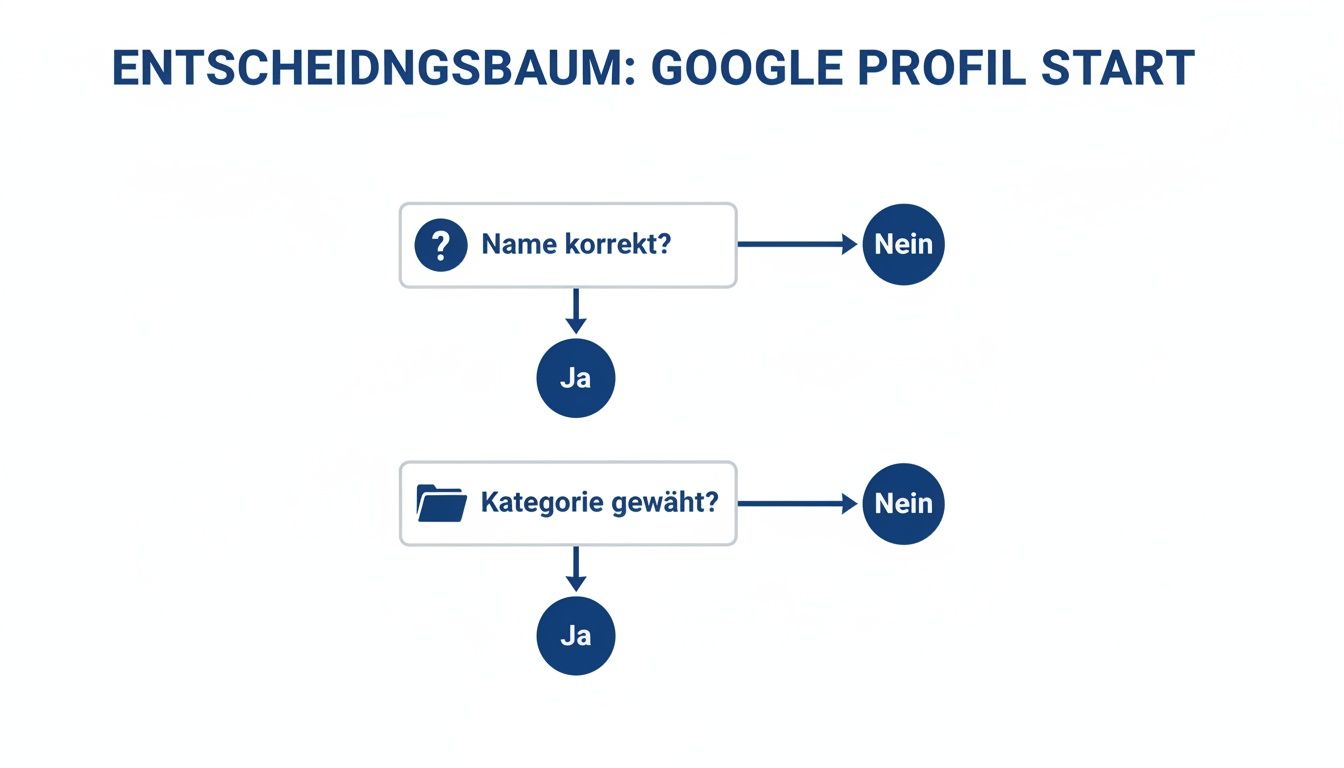
The process is based on the correct name and the appropriate category. If this information is incorrect, verification can become unnecessarily complicated.
Are there faster verification methods?
Yes, depending on industry and trustworthiness, Google occasionally offers faster options. However, these are not available to all companies.
- Phone or SMS: You will receive the code directly to your business phone number.
- email: This method is rare and usually only works with an email address from your own company domain (e.g.
info@ihre-firma.de). - Video verification: Here, you make a video call with a Google employee and must prove the existence of your company live, for example by showing the company sign, business premises or official documents.
A practical tip: Make sure that your company name is clearly legible on the mailbox. An undeliverable postcard is one of the most common reasons for delays.
What to do if verification doesn't work?
If the postcard doesn't arrive after three weeks, you can request a new one. If you have recurring problems, you should use the Google Support contact. Please have evidence such as your business registration or photos of the entrance with a company sign ready.
An official registration is helpful here. In Germany, as of 2025, the figure was around 2.04 million companies entered in the commercial register, what 54% corresponds to all companies. Such proof is often a strong argument when it comes to verification problems. More about You can find out the distribution of company types in Germany at listflix.de.
With patience and clean documentation, the verification is successfully completed.
Optimize your profile for maximum reach on Google
Verification is complete. Now the real work starts: optimizing your profile to attract customers. A verified but empty profile has untapped potential.
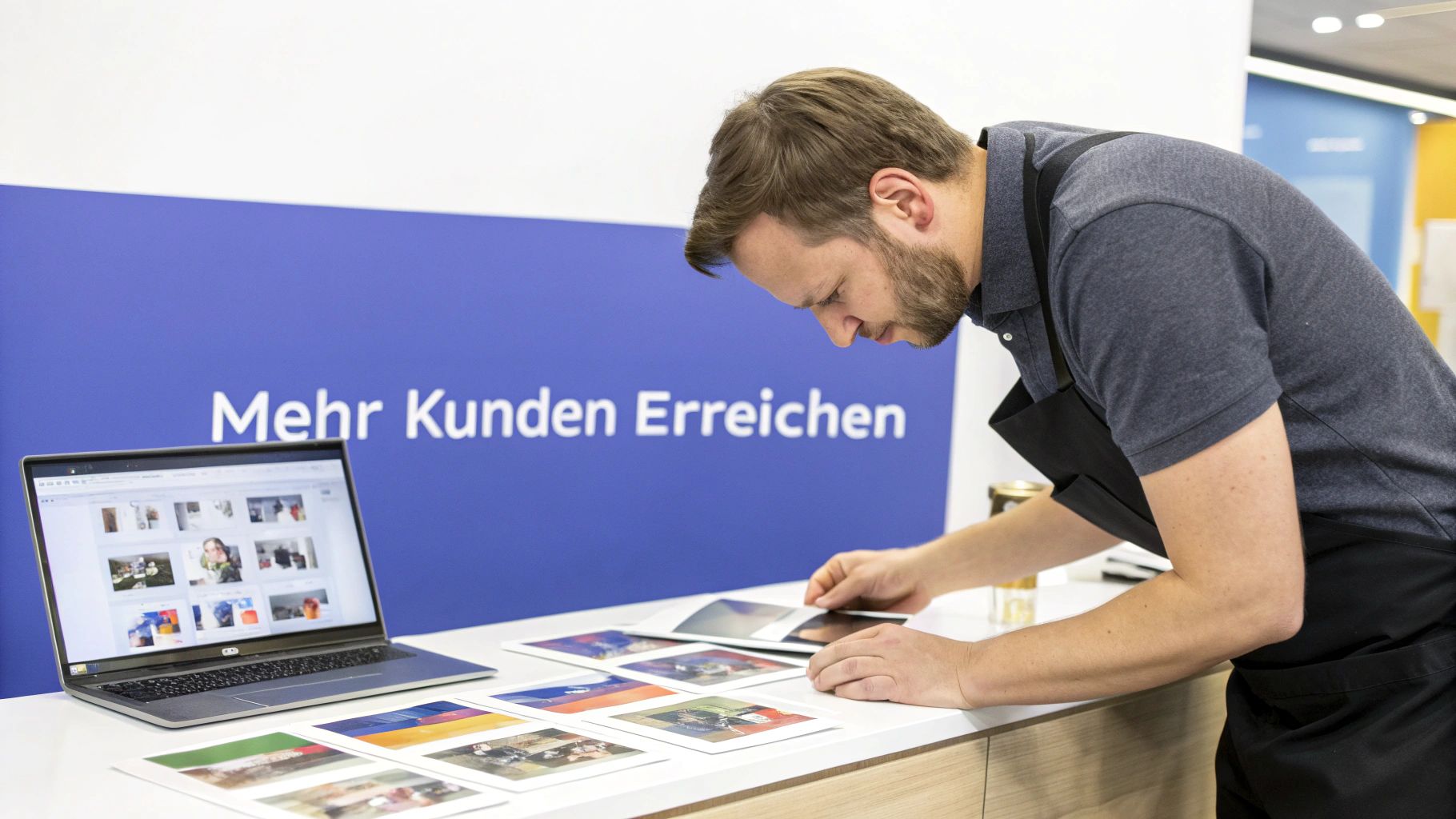
Start with a meaningful company description. They suit you 750 characters available to show potential customers who you are and what sets you apart.
Avoid simply listing keywords. Instead, answer the questions a customer is asking:
- What makes you special? (e.g. many years of experience, special service)
- Who is your target group? (Talk to your customers directly)
- Why should customers come to you? (Get to the heart of your unique selling points)
Important search terms should of course be included in the text. If you are a “sanitary technology company in Hamburg,” terms such as “bathroom modernization” or “heating maintenance” belong in easy-to-read text.
Impress with visual content
Profiles with high-quality photos are proven to get more calls and website clicks. A mix of different image types gives a comprehensive impression:
- Outdoor shots: A photo of the entrance helps customers find you.
- Interior photos: Provide insights into your business premises.
- Team photos: A friendly photo of your employees creates trust.
- Products & services in action: Show off your work in process to convey authenticity.
Videos can also increase interaction. A quick 30-second tour of your store or a video that answers a common customer question is often very effective.
Stay active with Google posts and messages
Your company profile should be a lively communication channel. Use the “Google Posts” feature to present news, offers, or events directly in search results.
These posts are like small, free ads that stay visible for around seven days and are good for short-term action.
An active profile signals relevance to Google. Regular contributions can have a positive effect on your local ranking.
Activate the message function as well. This allows customers to send you a message directly from Google search. A quick response is important here, as Google shows the average response time.
Use the dynamics of the market
For newly founded companies, a strong digital presence is crucial right from the start. The German start-up scene is active: In the first half of 2025, around 1,500 new startups founded, an increase of 9% compared to the previous half of the year. Sectors such as software and industry are particularly well represented, which underlines the importance of a professional digital presence. Insights into the German start-up landscape offers startbase.de.
To ensure that you don't miss any important optimization steps, use the following checklist.
Profile optimization checklist
An overview of the most important steps to optimize your Google business profile.
Optimization area taskWhy it's importantmaster dataCheck your name, address, telephone number (NAP data) and opening hours and keep them up to date. Consistent data creates trust with Google and customers.descriptionWrite meaningful text of up to 750 characters that highlights the USPs. A good first impression convinces users to want to learn more about your company.Photos & videosUpload high-quality, authentic images and short videos regularly. Visual content increases interaction and gives a professional impression.Services/productsAdd prices and descriptions to all offered services or products. Customers see your offer at a glance and don't have to search long.Google postsPost a post (offer, news, event) at least once a week. Signals activity to Google and keeps customers up to date.Questions & answersProactively ask and answer frequently asked questions yourself. Reduces uncertainty among potential customers and positions you as an expert.Messaging featureActivate and respond to inquiries within a few hours. Enables direct and fast communication with potential customers.
If you work through these points diligently, you've already taken an important step to improve your online visibility.
If you want to delve deeper into the subject matter, read our article on how to Further optimize your Google My Business profile and be able to utilize the full potential of your entry.
Resolve typical Google Profile Management issues
Even a well-maintained Google company profile can run into problems. Sudden profile suspension is a common challenge that Google takes when there are suspected policy violations.
A common reason is discrepancies in master data or the use of keywords in the company name. If your company is called “Autowerkstatt Meier”, the entry should also read that and not “Beste Autowerkstatt Meier”.
What to do when a profile is blocked
Should your profile be suspended, check the official Google guidelines and compare them point by point with your listing. Correct any discrepancies.
Then submit a request for recovery. In the form, clearly explain what changes you've made to meet the guidelines again. Upload evidence such as a photo of your company sign or your business registration to prove that your data is correct.
When reviews disappear or data is incorrect
The disappearance of customer reviews is often due to a violation of Google's content guidelines. As a company owner, you have only limited influence here.
It may also happen that address changes are not accepted or incorrectly corrected by users. Correct the data in your profile dashboard immediately. If the change doesn't apply, contact Google Support and have official documents ready as proof.
Dealing professionally with negative feedback sends a strong signal to potential customers. A well-thought-out, solution-oriented answer shows that you take feedback seriously and can turn a negative impression into a positive one.
Respond confidently to negative feedback
Negative reviews are unavoidable. What matters is how you react to them.
- Respond promptly: A response within 24 hours shows that you care.
- Stay professional: Avoid emotional or defensive responses. Thank you for the feedback
- Provide a solution: Apologize for the negative experience and suggest resolving the issue offline. A sentence like “Sorry to hear that. Please contact us at [email] so we can find a solution” is often very effective.
With this approach, you can increase the trust of potential customers. The right strategy for reviews is crucial for your ranking. If you want to know more about how to make your Improve local ranking on Google sustainably can, you can find valuable tips in our further article.
Your path to more customers and sustainable success
After your profile is set up, continuous maintenance begins, which helps you stand out from the competition. Think of your Google business profile as a dynamic customer acquisition tool.
The foundation stone has been laid. The next step is to keep your profile lively.
Customer reviews are an important factor. Actively ask happy customers for an honest review. Positive feedback from others is one of the most compelling forms of advertising.
Your profile is not a static business card, but a lively channel for communication with potential customers. Regular updates and interactions turn a simple entry into an effective marketing tool.
You can also use the analytics data that Google provides to you. These “insights” show you which search terms customers use to find you and how they interact with your profile. This knowledge helps you to focus your marketing activities more precisely.
Don't wait any longer. Use the power of your Google business profile to reach your local customers.
Common questions about Google Business Profile
Here are answers to some of the most frequently asked questions about managing a Google Business Profile.
Does a Google business profile cost anything?
No Creating, verifying and maintaining your Google business profile is gratuitous. You only incur costs if you decide to use paid advertising via Google Ads to advertise your profile in addition. The organic entry remains free of charge.
What should I do if my company is already registered with Google?
This often happens when Google automatically creates an entry or a former employee has created it. Search for your business on Google or Google Maps. In the profile, you will find a link such as”owner of this company?”. Click on it and follow the steps to prove that you are the rightful owner and gain control of the profile.
How can I manage multiple sites?
If you operate multiple branches, you can use the Location groups use from Google. This allows you to bundle all your profiles under one roof and manage them centrally. This makes it easy to upload photos or update opening times for all locations at the same time.
Summary and next steps
A Google business profile is an essential tool for local businesses to be visible online. Setup is free of charge and starts with the correct name, address and category. After successful verification, continuous maintenance is critical: update information, upload high-quality photos, actively collect customer reviews, and use contributions to stay in touch with your customers. A well-maintained profile strengthens trust and helps you to prevail over the competition.
Want to make sure that your Google business profile is optimally positioned to get to the top of local search results? SocialEdge specializes in maximizing your visibility — without an additional advertising budget and with minimal effort on your part. Discover now how we can make your company visible on Google Maps.