Preparation and requirements for your profile
Before you actually start creating, good preparation is crucial. It ensures a smooth process and lays the foundation for a successful profile. Work doesn't start in the browser, but with compiling your most important company data.
Checklist: You should have this data ready
To make the creation process efficient, you should have the following information and documents handy. Consistency is key: Your data should be the same across all platforms.
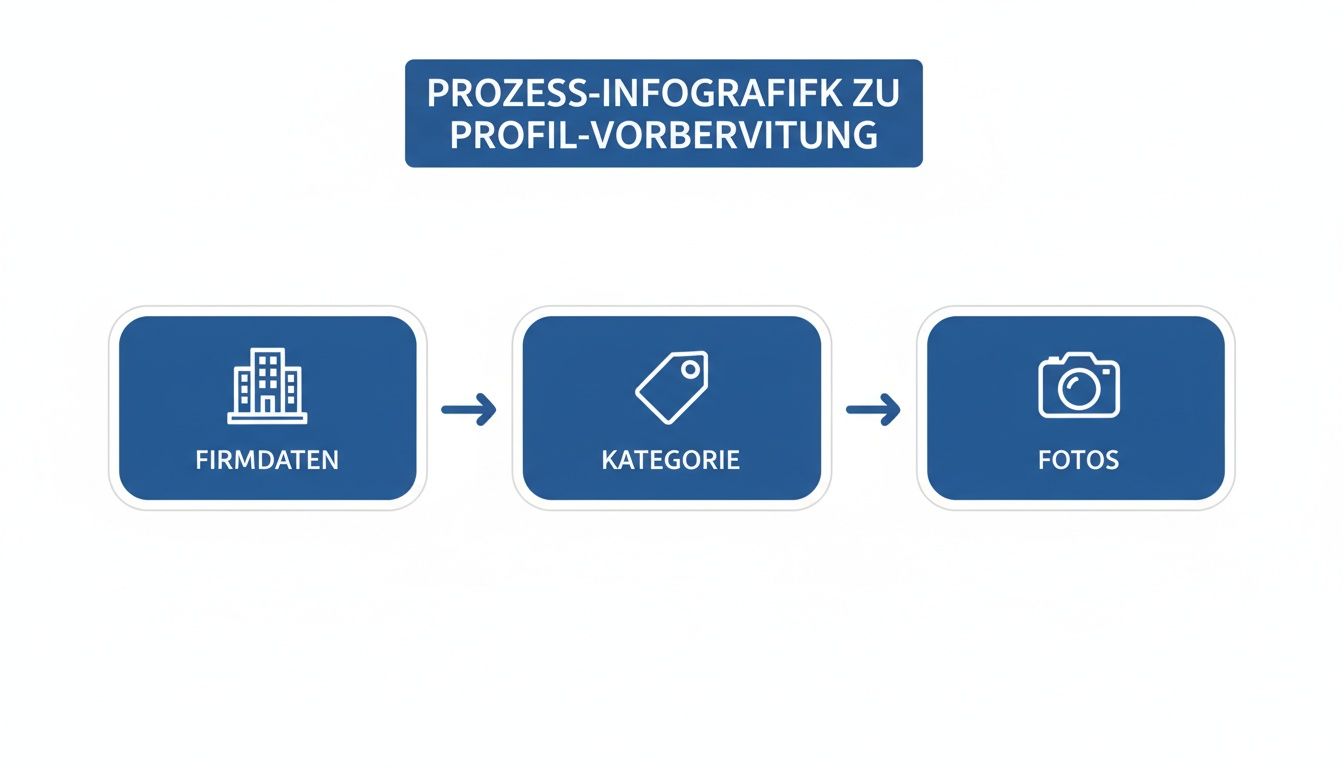
Information/documentImportant informationExample for a craft businessOfficial company nameJust like in the commercial register. No promotional additions or keywords. “Maler Meier GmbH”, not “Best Painter Meier GmbH in Berlin”Physical business addressA real address where you receive customers or work from.Musterstraße 1, 12345 MusterstadtCentral telephone numberThe main number on which customers can reliably reach you.030/123 456 78Business CategoryThe most precise category that describes your main activity.Main Category: Painter; Secondary Category: Facade RenovationPhotos & logoHigh-quality images of team, work, projects and the official logo.logo.jpg, Teamfoto.jpg, Projekt_vorher.jpg, Projekt_nachher.jpg
This so-called NAP data (name, address, telephone number) is the backbone of your local online identity. Uniform maintenance of this Business listings is an important ranking factor.
Choosing the right business category
Choosing the main category is one of the most important decisions when creating it. This clearly tells Google what you're doing and which search queries your company is relevant to.
Your main category must always reflect your core competency. Secondary categories are ideal for representing further, more specific services.
Take time to review the categories available. A handy tip: Take a look at the profiles of your direct competitors who rank well. Which categories do they use? The right choice here can make the difference between visibility and invisibility.
Visual elements: photos and logo
A profile without pictures appears impersonal and not trustworthy. High-quality photos are a key tool for building trust and giving your company a face.
A good mix is crucial:
- Logo & exterior view: Ensure recognition.
- Team at work: Show the people behind the company.
- Completed projects: Before-and-after images are strong evidence of your expertise.
- Your premises: Give insights into your office or workshop.
Make sure the picture quality is good. Blurry cell phone snapshots can look unprofessional. Well-illuminated and clear motifs often tip the scales when it comes to customer decisions.
Process: Create and verify a Google business profile
The path to your own profile is easy if you know the steps. Here, we will guide you through virtually the entire process — from registration to verification.
First, go to the official homepage for Google business profiles. Sign in with a Google account that belongs to your company (e.g. info@ihre-firma.de), not with your personal Gmail account.
Step 1: Enter basic company data
Google will guide you step by step through the data entry process.
- company name: Enter the exact, official company name. Resist the temptation to add keywords as this is against the guidelines.
- Business Category: Select the main category that best describes your core business.
- Physical address: Perfect for shops, practices or offices with customer traffic.
- Service area: The option for service providers who travel to their customers (e.g. tradesmen). You can define postal codes or cities.
- contact details: Enter your central telephone number and the address of your website.
- postcard: The most common method. Google sends a postcard with a 5-digit code to your business address. This usually takes 5 to 14 working days.
- Phone call or text message: An automated call or text message sends the code to your business number.
- Video call: A Google employee checks the existence of your company in a live video call (e.g. by showing a company sign, vehicles, or documents).
- email: In rare cases, verification is possible via email to an address with your company domain.
- Postcard does not arrive: Wait at least 14 days before requesting a new one. Check that your company name is correctly affixed to the mailbox. Each new request invalidates the old code.
- Verification is denied: Check all information for exact compliance with your official documents. Common reasons include divergent address data or violations of guidelines (e.g. keywords in the company name). Correct the errors and restart the process.
- Add services: List all of your services in detail.
- Use attributes: Add specific features such as “Accessible Access,” “Outdoor Seating,” or “Free WiFi.”
- Company description: Describe briefly and concisely what makes your company stand out. Integrate your most important keywords here naturally.
- Actively ask for reviews: Invite happy customers to leave a review. Google provides a direct link for this.
- Respond to every review: Thank you for positive feedback and respond to criticism in a professional and solution-oriented manner. A well-answered negative review can build trust.
Step 2: The verification process
Verification ensures that your business actually exists and that you have the right to manage it. Without successful verification, your profile remains invisible.
Google offers various methods, which may vary by industry and location:
Once you've received your code and entered it in the profile dashboard, your listing is officially verified and live. For even more detailed instructions, you can read our guide on how to make a Add Google company.
Common problems and their practical solutions
Even with the best preparation, problems can arise. Here are solutions to the most common challenges.
Problem 1: There is already an entry for my company
This often happens when a listing is automatically created by Google or a former employee. To gain control, you must claim ownership.
Search for your company on Google Maps and click on the link in the entry “Owner of this company? ”. Follow the prompts to verify yourself again. If the process is blocked, the Google Support Your next point of contact. Have evidence ready, such as a business registration.
Problem 2: Verification fails or postcard doesn't arrive
Rejected verification is often due to minor errors.
Problem 3: There are duplicate entries for my company
Duplicate profiles hurt your local visibility as they confuse customers and divide up SEO signals. Actively search for variants of your company name or old addresses.
If you find a duplicate, report it using the feature “Propose a change” on Google Maps. Select as a reason “Duplicate from another location”to initiate the merge.
Next steps: Optimize the profile after creation
Your verified profile is the basis. Now the real work begins: continuous optimization, which turns your profile into a real customer magnet.

Integrity as a ranking factor
Google prefers fully completed profiles. Take the time to carefully maintain each section.
Show activity from Google posts
Use the contribution function to share current offers, news or events. Regular posts signal to Google and users that your company is active.
Schedule a weekly contribution. Contributions are usually only visible for a limited period of time, so regularity is crucial. Use clear calls to action (such as “call now”) and meaningful images.
Detailed strategies for this can be found in our further article on how to Optimize Google business profile.
Managing reviews as a sign of trust
Positive reviews are one of the strongest influencing factors for the purchase decision.
Analyses show that a well-maintained profile increases the purchase probability by 50% can increase. To further improve your marketing, you should check out current Tips to improve online marketing inform.
Summary and outlook
A Google company profile is not a unique project, but a dynamic tool that must be continuously maintained. Creation is the first step, regular optimization with up-to-date information, contributions and management of reviews makes the real difference. An active profile sends strong signals to Google and potential customers and is the basis for successful Local SEO.
If you approach this process the right way from the start and consistently maintain your profile, you'll create the most powerful free tool to be found by customers close to you.
With SocialEdge We help companies optimize their Google company profiles so that they constantly generate new customer inquiries. Discover now how we're taking your local marketing to the next level.