1. Complete and consistent master data (NAP)
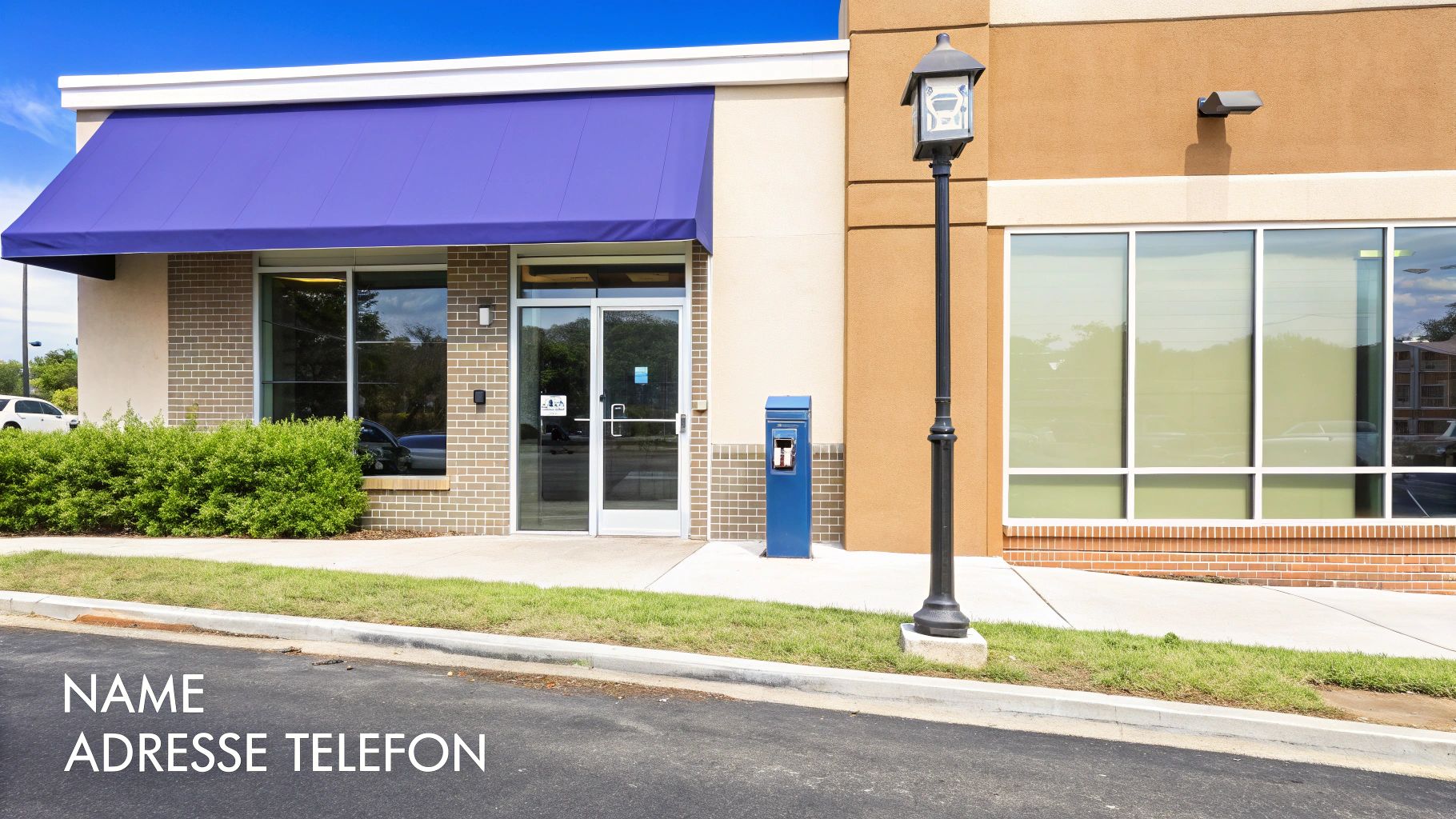
The basis of any successful local SEO strategy is the consistency of your core data: name, address, and telephone number (NAP). Google checks information about your business online to confirm its existence and location. Consistent NAP data across different platforms is a strong sign of trust. Any discrepancy, however small, weakens your authority in local searches.
effect: Uniform data signals to Google that the information is reliable, which leads to better rankings.Common mistake: Inconsistencies such as “street” instead of “street” or different telephone numbers mean that Google cannot clearly assign the entries to your company. This is hurting your visibility.
- Tip 1: Set an exact, official spelling of your name, address, and telephone number.
- Tip 2: Check important platforms (website, business directories) for discrepancies and correct them. Detailed information about the importance of Business directory entries for local SEO can be found here.
2. Select suitable company categories
Choosing the right business categories is one of the most effective levers when you Optimize Google business profile. Google uses these categories to precisely match your offer to the search queries of potential customers. Your primary category is the most important piece of information about your core business. Secondary categories allow you to further specify your range of services.
effect: Precise categorization signals expertise and relevance to Google, which increases your visibility among your target group.Common mistake: A category that is too general or incorrectly selected will result in you remaining invisible for relevant, specific searches. A plumber who only chooses “handyman” will have a hard time being found searching for “emergency pipe cleaning service.”
- Tip 1: Analyze which primary and secondary categories the top-ranked competitors are using.
- Tip 2: Be specific. Choose the most accurate category for your core business and only add services that are actually offered as secondary categories. Optimizing this selection is a key step towards your to improve overall Google ranking.
3. Use high-quality photos and videos
Visual content is a key success factor. Profiles with an extensive collection of up-to-date, high-quality photos and videos receive significantly more clicks, calls, and directions. Images convey emotions, show professionalism and create trust even before a potential customer visits your website.

effect: Regularly updated, appealing photos and videos signal activity and quality, set you apart from the competition and increase engagement rate.Common mistake: Profiles with or without outdated pictures appear unattractive and not trustworthy. Sterile stock photos are less effective than authentic images.
- Tip 1: Upload new, well-lit, and sharp photos at least once a month. Show off your team, spaces, and products in action.
- Tip 2: Use short videos (30-60 seconds) for a virtual tour, a team presentation or a glimpse behind the scenes.
- Tip 3: Name image files with relevant keywords (such as "friseursalon-muenchen-balayage.jpg “) before uploading.
4. Publish regular posts
Google posts are like mini blog posts that appear directly on your business profile. They are a powerful tool to signal that your profile is up to date, increase engagement and highlight important information such as offers, news or events.
effect: Regular posts are a clear signal to Google that your company is active and relevant. They attract the attention of users and encourage interaction.Common mistake: A profile without recent contributions quickly appears outdated and less trustworthy. Posts without a clear call-to-action (call to action) miss their goal.
- Tip 1: Publish at least one to two posts per week to signal consistent activity to Google.
- Tip 2: Each contribution should include a clear call to action. Use the buttons provided by Google, such as “Call now,” “Learn more,” or “Reserve.” A well-thought-out Content marketing strategy helps you do just that.
5. Actively manage Google reviews
Google reviews are one of the most important ranking factors for local searches and have a massive impact on buying decisions. They act as digital “social proof” and signal to both Google and users the quality and trustworthiness of your company.
effect: Active management of reviews improves rankings and customer confidence. Google rewards this interaction with better visibility.Common mistake: Ignore reviews — both positive and negative. Unanswered criticism can scare off potential customers.
- Tip 1: Proactively ask happy customers for a review. Make it easy for them, for example with a direct link via email or a QR code in the shop.
- Tip 2: Respond to every review, ideally within 24 hours. Thank you for positive feedback and respond constructively to criticism.
6. Optimize company description
Your company description is a direct ranking factor and your chance to convince a potential customer of your offer within 750 characters. It's the perfect field to precisely signal to Google what your company stands for while increasing click-through rate.
effect: A well-formulated, keyword-optimized description appeals to both the algorithm and the person and is a decisive lever for more visibility and customer inquiries.Common mistake: A generic description without using keywords, unique selling points (USPs) and a clear call to action.
- Tip 1: Integrate 2-3 main keywords (service + location, e.g. “Heizbau Bühl”) into the text, of course.
- Tip 2: Start with your strongest advantage (e.g. “24/7 emergency service”, “30 years of experience”) and end the text with a clear request (“Make an appointment now”).
7. Website linking and local SEO
Your Google business profile is the shop window, your website is the store behind it. A link to a professional, fast and mobile-optimized website is a strong quality signal for Google and a decisive factor for user experience.
effect: A powerful website confirms your company's legitimacy, improves Google rankings, and increases conversion rates.Common mistake: Linking to a slow website that is not mobile-friendly or out of date. This scares off customers and damages the ranking.
- Tip 1: Make sure your website is mobile-friendly and has fast load times (verifiable with Google PageSpeed Insights).
- Tip 2: The contact information (NAP) on your website must exactly match the contact information on your Google business profile. Find out more about the Basics of local search engine optimization And the Basics of a domain.
8. Proactively use questions & answers (Q&A)
The “Questions & Answers” feature allows potential customers to ask questions publicly. An actively maintained Q&A section creates trust, reduces support costs and provides valuable signals to Google about the relevance of your company.
effect: You position yourself as an expert, eliminate uncertainties and can place relevant keywords in your answers.Common mistake: Ignore the area. Questions that are left unanswered or answered incorrectly by third parties can scare off potential customers.
- Tip 1: Don't wait for questions. Create a list of the most common customer inquiries (FAQ) yourself and ask and answer them directly in your profile.
- Tip 2: Respond promptly to new questions to signal commitment and excellent customer service.
9. Maintain opening hours precisely
Accurate opening hours are crucial for customers and an important sign of reliability for Google. Nothing is more frustrating than standing in front of a locked door even though your profile says you've opened.
effect: Reliable and up-to-date information improves user experience and trust in your brand, which Google rewards with better visibility.Common mistake: Forget to adjust opening hours on public holidays, company holidays or special occasions.
- Tip 1: Plan holidays in advance and proactively enter different opening hours.
- Tip 2: Use the “Temporarily closed” function for longer periods of time, such as company holidays, instead of deleting opening hours. Maintaining this data correctly is an important aspect when you Manage Google business profile.
10. Analyze competition
To get to the top, you need to know what your direct competition is doing. A systematic competitive analysis shows you their strengths and weaknesses and where you can find the biggest levers for a better placement.
effect: A data-driven approach ensures that you use your resources exactly where they make the biggest impact.Common mistake: To look at your own profile in isolation and not to know the strategies of your competitors.
- Tip 1: Identify the top 3 competitors for your most important service in your city.
- Tip 2: Compare metrics such as number of reviews, average rating, number of photos, and frequency of posts to find gaps and opportunities.
Checklist: Optimize your Google company profile
- [] Master data (NAP): Are the name, address, and telephone number 100% the same on all platforms?
- [] Categories: Is the primary category the most specific to your core business? Are all relevant services covered as secondary categories?
- [] Photos & videos: Have you uploaded at least 10-15 high-quality photos? Are you uploading new images every month?
- [] Contributions: Do you publish a post with an image and call-to-action at least once a week?
- [] Reviews: Do you respond to every review in a timely and professional manner? Are you actively asking customers for feedback?
- [] Description: Does your description include keywords, USPs, and a call to action?
- [] Site: Is the linked website mobile-friendly, fast, and contains consistent NAP data?
- [] Questions & answers: Did you proactively answer the most important FAQs?
- [] Opening times: Are all regular, special and holiday opening hours correctly entered?
- [] Competition: Do you know the strengths and weaknesses of your top 3 competitors?
Summary and next steps
An optimized Google company profile is the result of a well-thought-out and continuous strategy. Success lies in seeing your profile not as a static business card but as a dynamic communication channel. Every photo uploaded, every question answered, and every response to a review sends positive signals from Relevance, Trust, and Activity to Google and your target audience.
Use this checklist to audit your profile and close gaps. Continuous effort pays off with more calls, more website visits and, ultimately, more customers in your store.
Do you lack the time or expertise to consistently keep your Google company profile at the highest level? SocialEdge specializes in maximizing the local visibility of companies. We take care of the complete, data-based optimization and ongoing support of your profile.
Discover SocialEdge solutions now and request a free profile analysis!