1. SocialEdge: SEO app as a managed service
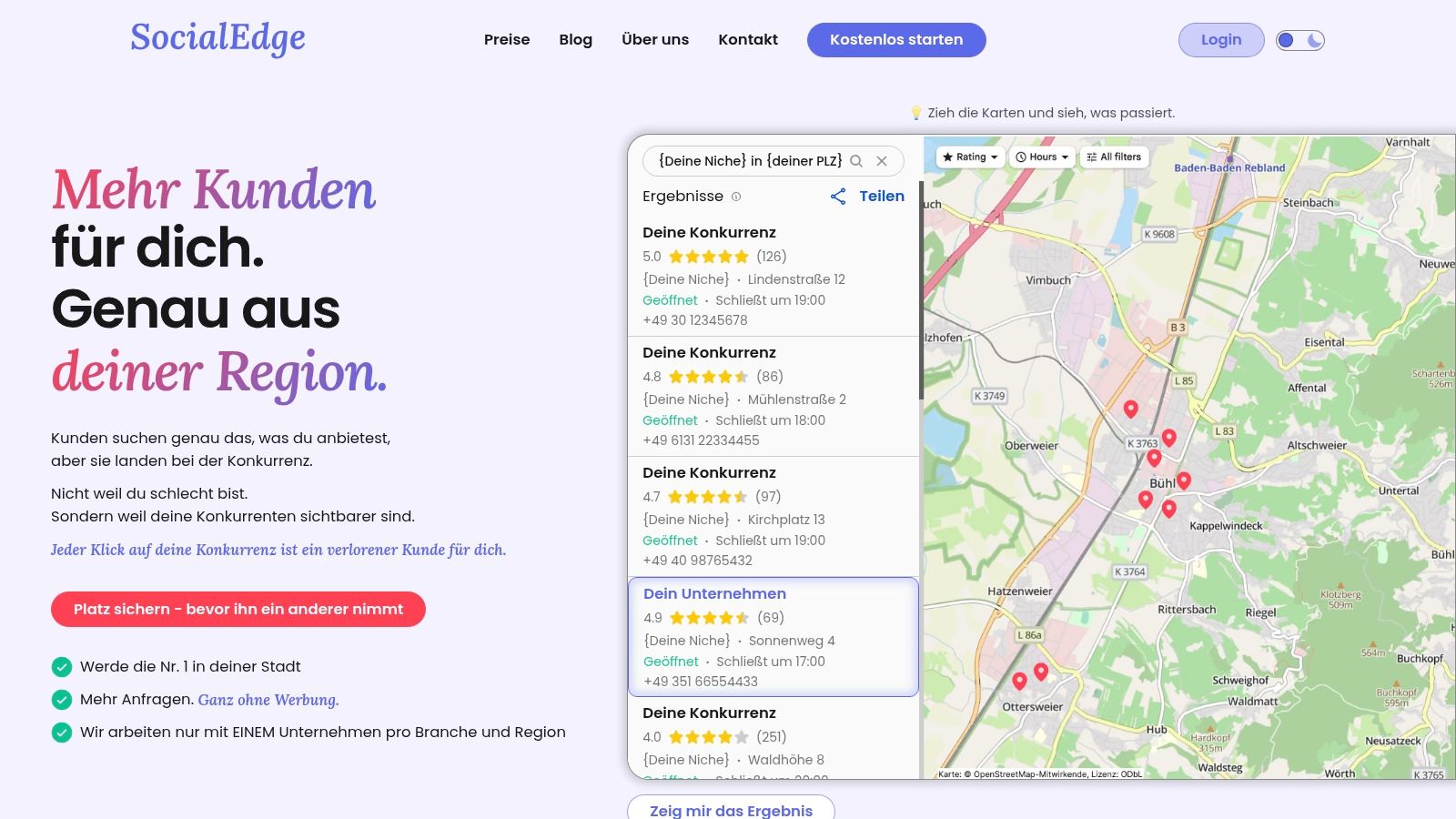
SocialEdge is not a classic DIY SEO app, but a specialized “done-for-you” solution aimed at visibility in Google Maps and local search results. Instead of using another tool, SocialEdge completely optimizes and maintains the Google company profile. The service is aimed at local companies that strive for organic visibility without having to familiarise themselves with the complex subject matter.
The team from Bühl analyses a company's status quo and identifies the key ranking factors. This includes the optimization of categories, the integration of relevant keywords, the strategic publication of photos and posts, and the consistency of important NAP data (name, address, phone). This approach is intended to ensure that your company is found when potential customers search in your area.
Core features of this SEO app alternative
A special feature is sector and territorial protection: SocialEdge only serves a single customer per sector and postal code area. This prevents conflicts of interest and secures a competitive advantage. Instead of working against a direct competitor who uses the same service provider, your position is exclusively strengthened.
Reputation management is also fully taken over. A personal contact person takes care of answering reviews and thus strengthens the trust of potential customers. Progress is always transparently visible via a live dashboard, which provides key figures on rankings, calls and website clicks.
Who is this service ideal for?
This solution is suitable for local entrepreneurs, from tradesmen to medical practices to restaurateurs, who are looking for a professional SEO solution but have no time to familiarise themselves with a complex SEO app have. The focus is on results, not on using a tool. Many customers report noticeable ranking improvements within 4 to 8 weeks.
Feature description:
focus Google Maps & local SEO (Google company profile)
service model Done-for-you (implementation by experts)
specificity Exclusive area and sector protection
Reporting Live dashboard with all relevant KPIs
Support Personal contact (no bots/tickets)
advantages:
- Quick results: Visible improvements in Google Maps often after just a few weeks.
- No personal effort: The team of experts takes care of the complete implementation.
- Exclusivity: No direct competition with other SocialEdge customers in your region.
- Transparent reporting: All successes are clear and comprehensible based on data.
- Personalized service: Real contacts for support and reputation management.
Disadvantages:
- No public prices: Costs and availability must be requested individually.
- Strong focus: Focuses exclusively on Google Maps, not comprehensive website SEO or paid ads.
Site: https://www.socialedge.ai
2. SISTRIX: SEO app with focus on the DACH market
SISTRIX is an established all-in-one SEO suite, which is considered an industry standard, especially in German-speaking countries (DACH). The platform is known for its transparent visibility index, a metric that measures a domain's visibility in Google search results on a weekly basis. For local companies, this can be an indicator to evaluate their own online presence compared to direct competitors.
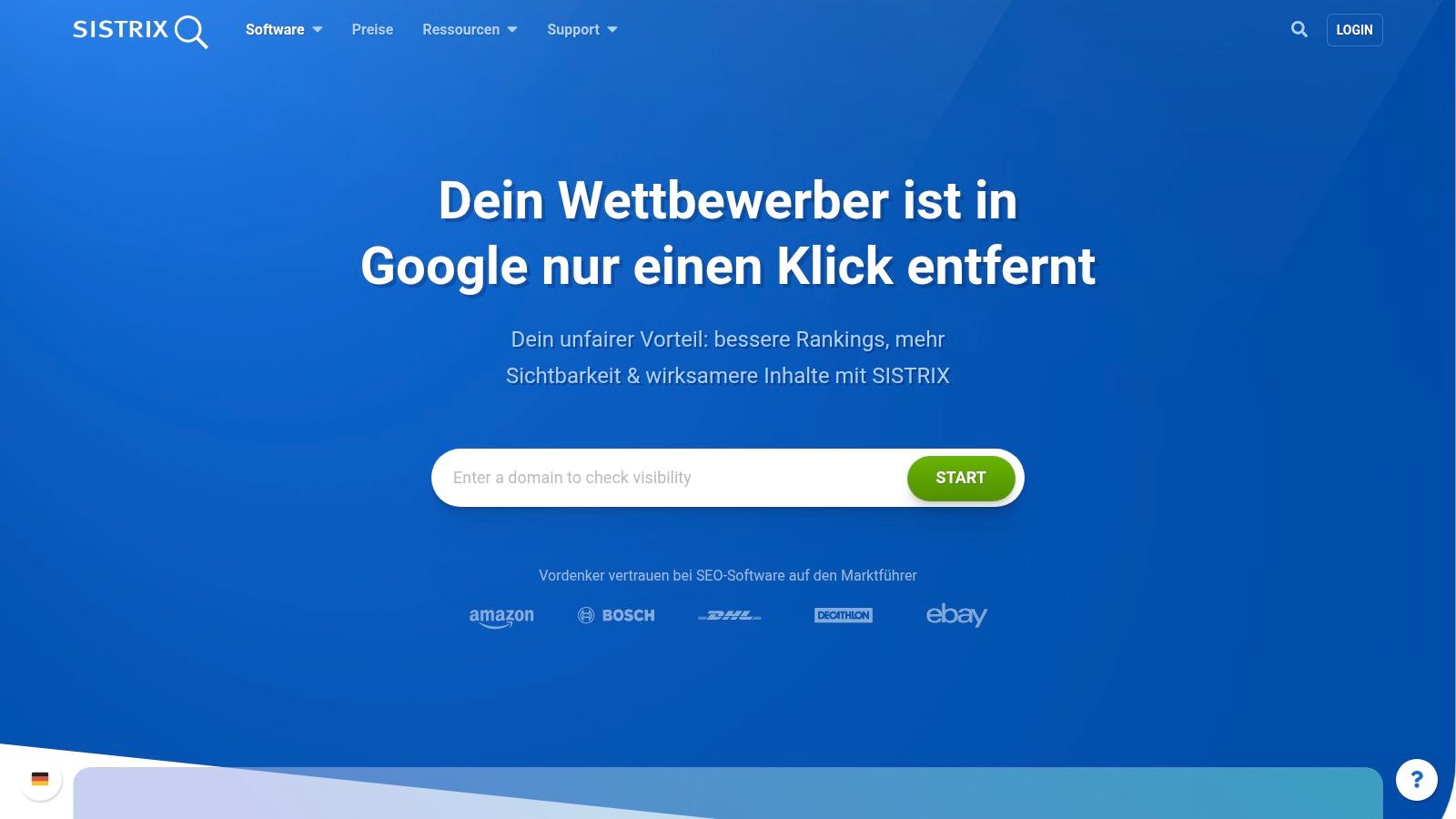
In contrast to many international tools, SISTRIX offers good data coverage for Germany, Austria and Switzerland. This makes this SEO app useful for local businesses that need precise analyses for their market. For example, a craft business from Munich can understand which keywords local competitors rank for and which content gaps need to be filled. The user interface is clearly structured and understandable even for SEO beginners, which makes it easier to access complex data.
Core features and pricing
SISTRIX bundles its tools in scalable packages that start at 99€ per month (plus VAT). While this can be a hurdle for very small businesses, users get access to robust features that go far beyond simple rank tracking.
- Competitive analysis: Detailed insights into the competitors' organic and paid strategy.
- On-page audits: Regular technical review of your own website to identify optimization potential.
- Keyword monitoring: Precise tracking of local keywords to keep an eye on your own positioning.
- Content tools: Support in planning and creating relevant content for the target group.
Practical tip: Use the visibility index to track your website's development against three main local competitors on a weekly basis. In this way, you can see which SEO measures are having an effect.
AdvantageGood data for the DACH roomHigher entry price compared to niche toolsComprehensible visibility index base rate contains only one user accessScalable and clearly defined packagesAdditional add-ons can increase costs
Site: https://www.sistrix.de/
3. Ryte: SEO app for technical website optimization
Ryte is a German SEO app based on Website User Experience (WUX) has specialized. At the core of this is the technical health and user-friendliness of a website, which makes it a useful tool for local companies whose online presence must function properly. Instead of just focusing on keywords, Ryte thoroughly checks the technical infrastructure, loading times, and content quality of a page — all factors that are relevant to Google.
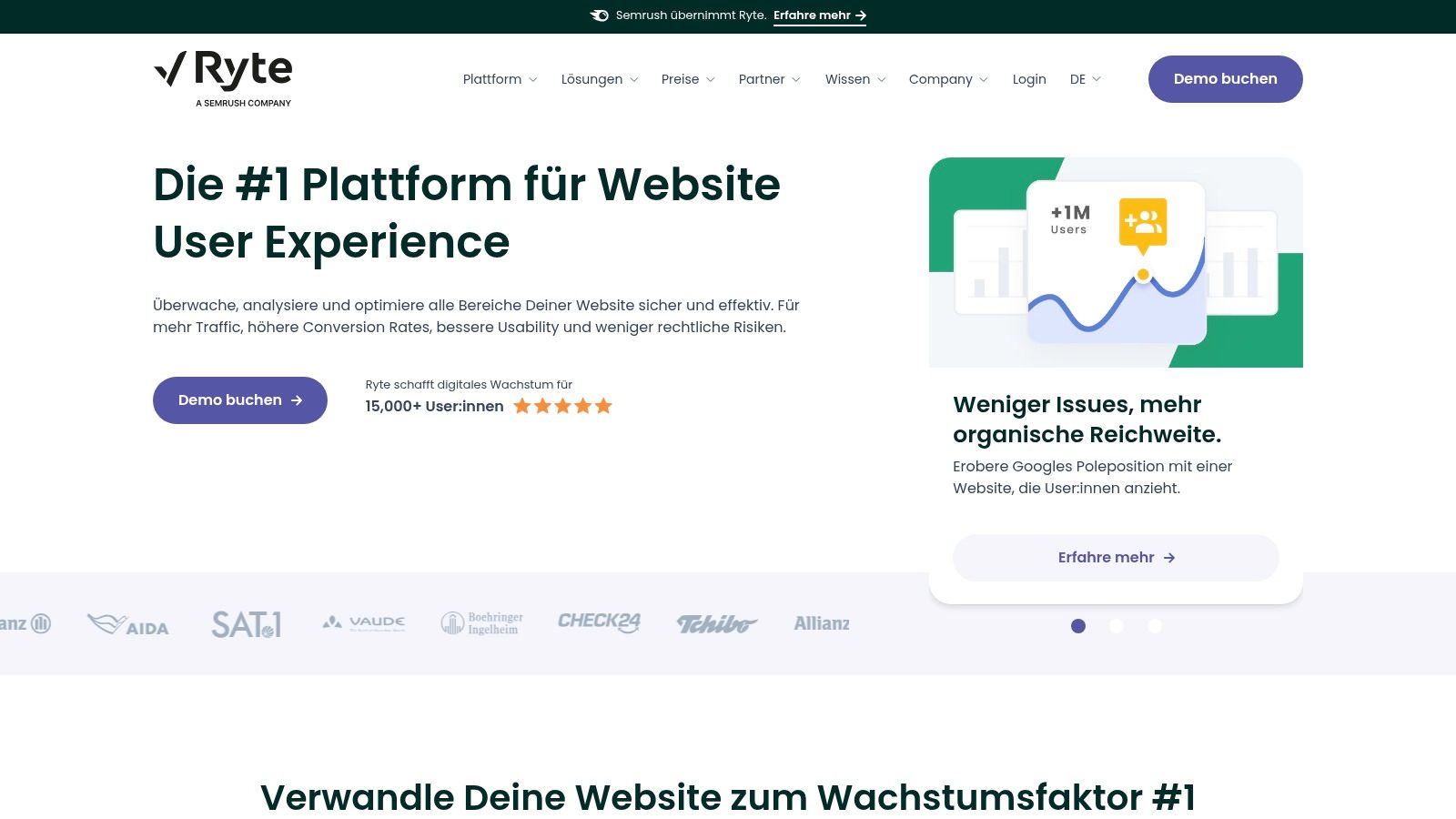
Since its acquisition by Semrush in 2024, the platform has focused even more on companies with more complex websites. One advantage for companies in the DACH region is the clear focus on GDPR compliance and German-language support. For a medical practice or law firm that must meet high data protection standards, Ryte thus offers an additional layer of security. The platform presents technical problems in an understandable way and provides specific recommendations for action.
Core features and pricing
Ryte does not offer fixed pricing plans; the costs are calculated individually on request (quote-based) and are aimed at professional teams and companies. Users receive tailor-made solutions and intensive support.
- In-depth website audits: Comprehensive analysis of technology, content, and performance to identify errors.
- Automated recommendations: Clear, prioritized to-do lists to fix identified issues.
- KPI dashboards: Clear presentation of all important key figures for monitoring the status of the website.
- GDPR and compliance checks: Ensuring that the website meets legal requirements.
Practical tip: Use Ryte's website crawler once a quarter to identify “broken links” and slow pages. Fixing these errors is an effective way to improve user experience and your Google ranking.
AdvantageGood for technical SEO and complex projectsNo open price list, only on requestStrong focus on GDPR complianceMore focused on teams and companies than individual usersGerman support and comprehensive onboardingLess focus on classic SEO areas such as backlink analysis
Site: https://de.ryte.com/
4. Seobility: A beginner-friendly SEO app
Seobility is a German SEO app that is characterized by its good price-performance ratio and ease of entry. The platform is aimed specifically at small and medium-sized companies, freelancers and agencies who are looking for an uncomplicated tool for the most important SEO disciplines. Especially for local businesses, the free basic version offers a risk-free introduction to search engine optimization.
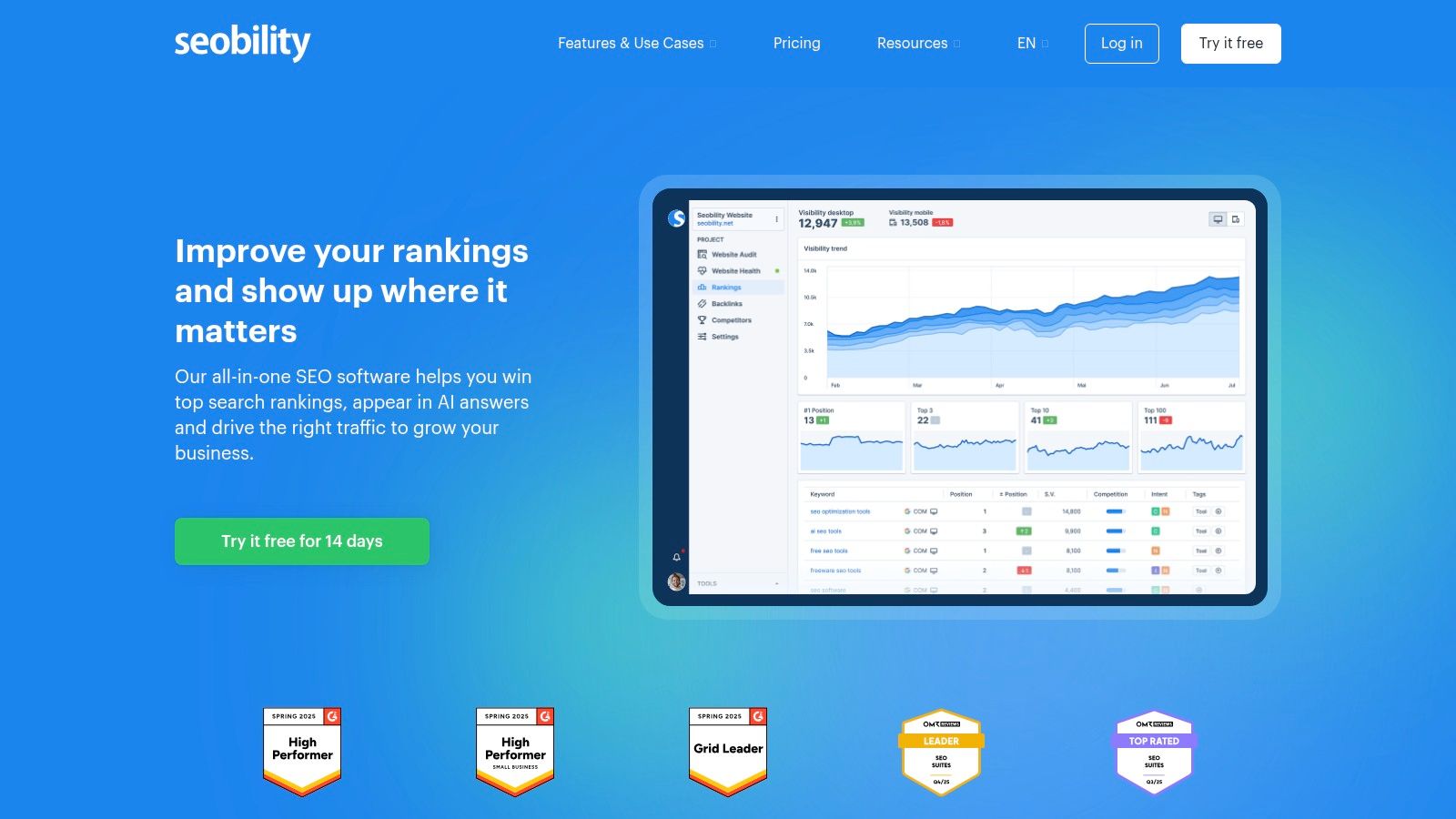
Seobility focuses on technical website analysis (on-page audit), keyword monitoring and backlink analysis. For example, a medical practice can use the site crawler to quickly identify technical errors such as broken links or missing meta descriptions on their website. The user interface is deliberately kept simple and provides clear recommendations for action, which is particularly beneficial for users without in-depth technical knowledge.
Core features and pricing
Seobility's pricing model is transparent. There is a permanently free basic version that already enables basic analyses. The premium version starts at 49.90€ per month (plus VAT) and offers a significantly extended range of functions as well as a 14-day free trial.
- Comprehensive site crawler: Analyzes the entire website for technical errors and provides prioritized optimization suggestions.
- Rank tracking: Monitor positions for relevant keywords, including local search results.
- Backlink analysis: Offers insights into your own link profile and that of your competitors.
- On-page and content checks: Tools to optimize content right as you create it.
Practical tip: Use the free version to carry out an initial full on-page audit of your website. The errors found there give you a specific to-do list for the first important optimization steps.
Advantage disadvantagesEntry-friendly with clear pricing structureLower data depth than with large enterprise suitesAlways free basic version availableLess extensive for international SEO analysisGood price/performance ratio for the premium tariff
Site: https://www.seobility.net/
5. Ahrefs: SEO app for backlink and keyword analysis
Ahrefs is a leading international SEO app, which is particularly suitable for its extensive backlink database and in-depth competitive analysis is known. Although the platform is highly data-driven, it is also suitable for local companies who want to understand which websites link to their competitors and which keywords have potential. For a local craft business, for example, it can be informative to see whether a competitor is being linked from a regional business directory or a local news portal.
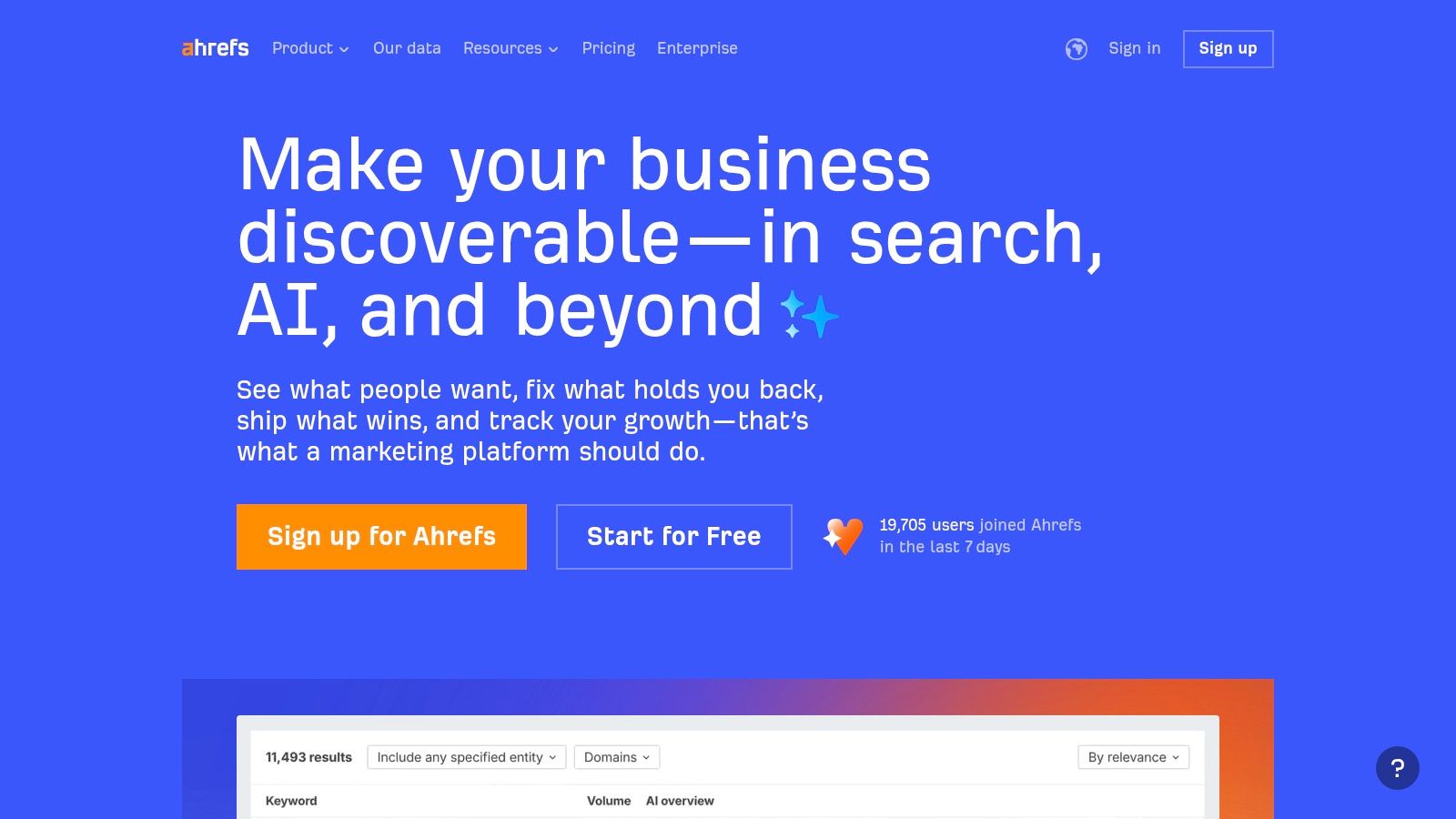
The power of Ahrefs lies in the depth of data. The “Keywords Explorer” not only provides search volume, but also click data and an assessment of the difficulty of ranking for a keyword. This makes the platform a tool for strategic planning. The user interface is modern and in English, but requires a certain amount of training due to the abundance of data. For local businesses that want to professionalize their SEO activities, Ahrefs is a good choice. In the future, AI-based features such as Brand Radar will also play a bigger role here, as you can read in the article about SEO for AI Be able to read up.
Core features and pricing
Ahrefs starts with the “Lite” plan at $99 per month (prices are in US dollars). A special highlight are the free Ahrefs Webmaster Tools, which provide website operators with free site audits and keyword information for their own projects.
- Site Explorer: Detailed analysis of each domain in terms of backlinks, organic traffic and paid keywords.
- Keywords Explorer: One of the most comprehensive keyword research tools on the market with precise metrics.
- Rank tracker: Daily monitoring of keyword positions in different countries and on various devices.
- Site audit: Comprehensive technical crawler that checks your website for over 100 SEO issues.
Practical tip: Use Site Explorer to analyze backlinks from your strongest local competitors. Find out which local directories or blogs link to them and try to get a link there as well.
DisadvantagesComprehensive link and keyword data prices are billed in US dollars (note the exchange rate) Free webmaster tools for your own website User interface and support only available in English Very detailed analysis toolsData can be overwhelming for beginners at first
Site: https://ahrefs.com/
6. Semrush: A comprehensive marketing and SEO app
Semrush is a leading international all-in-one platform for online marketing that goes far beyond classic SEO functions. As a comprehensive Online visibility suite It covers areas such as SEO, content marketing, market research, PPC and social media. For local companies that not only want to improve their rankings but also want to centrally manage their entire digital strategy, Semrush offers an impressive range of tools. The platform is particularly strong in competition analysis and enables a local restaurant, for example, to examine the competition's advertising strategies and social media activities.
The biggest advantage of Semrush is its holistic approach. Instead of using stand-alone solutions, teams can manage everything from keyword research to content creation to monitoring paid ads in one system. Although the user interface is more complex due to the range of functions, it offers countless options for creating dashboards and reports. This makes the Semrush SEO app a solution for growing businesses that want to make data-based decisions.
Core features and pricing
Semrush offers its services in various packages, starting at around $129.95 per month. However, the real strength comes from higher tariffs and special add-ons such as the “Local SEO” package, which makes it easier to manage company profiles and local rankings.
- Comprehensive keyword and domain analysis: Detailed insights into organic rankings, backlinks, and advertising strategies.
- Site audit and content tools: Technical website checks and assistance in creating SEO-optimized texts.
- Numerous integrations: Connection to Google Analytics, Google Search Console and other tools for central data analysis.
- Specialized add-ons: Extensions for local SEO, social media management, or market trends.
Practical tip: Use the “Keyword Magic Tool” not only to find main keywords, but also to identify long-tail questions that your local customers enter on Google. Answer these questions on your blog or on an FAQ page to generate relevant traffic. Find out more about the right SEO optimization software for your needs.
AdvantageVery wide range of functions beyond SEOHigh costs due to add-ons and additional usersMany integrations and extensive reporting optionsComplexity can be overwhelming for SEO beginners Strong tools for international competitive analysisLocal data not always as granular as with specialized tools
Site: https://www.semrush.com/
7. Screaming Frog SEO Spider: The technical SEO app
Screaming Frog SEO Spider is not a typical web-based SEO app, but a desktop application that is considered an industry standard for technical website audits. The software “crawls” a website similar to a Googlebot and collects detailed data about all URLs. For local companies, this is essential to uncover technical errors such as broken links, incorrect redirects or problems with the page structure, which can negatively affect the ranking in local search results.
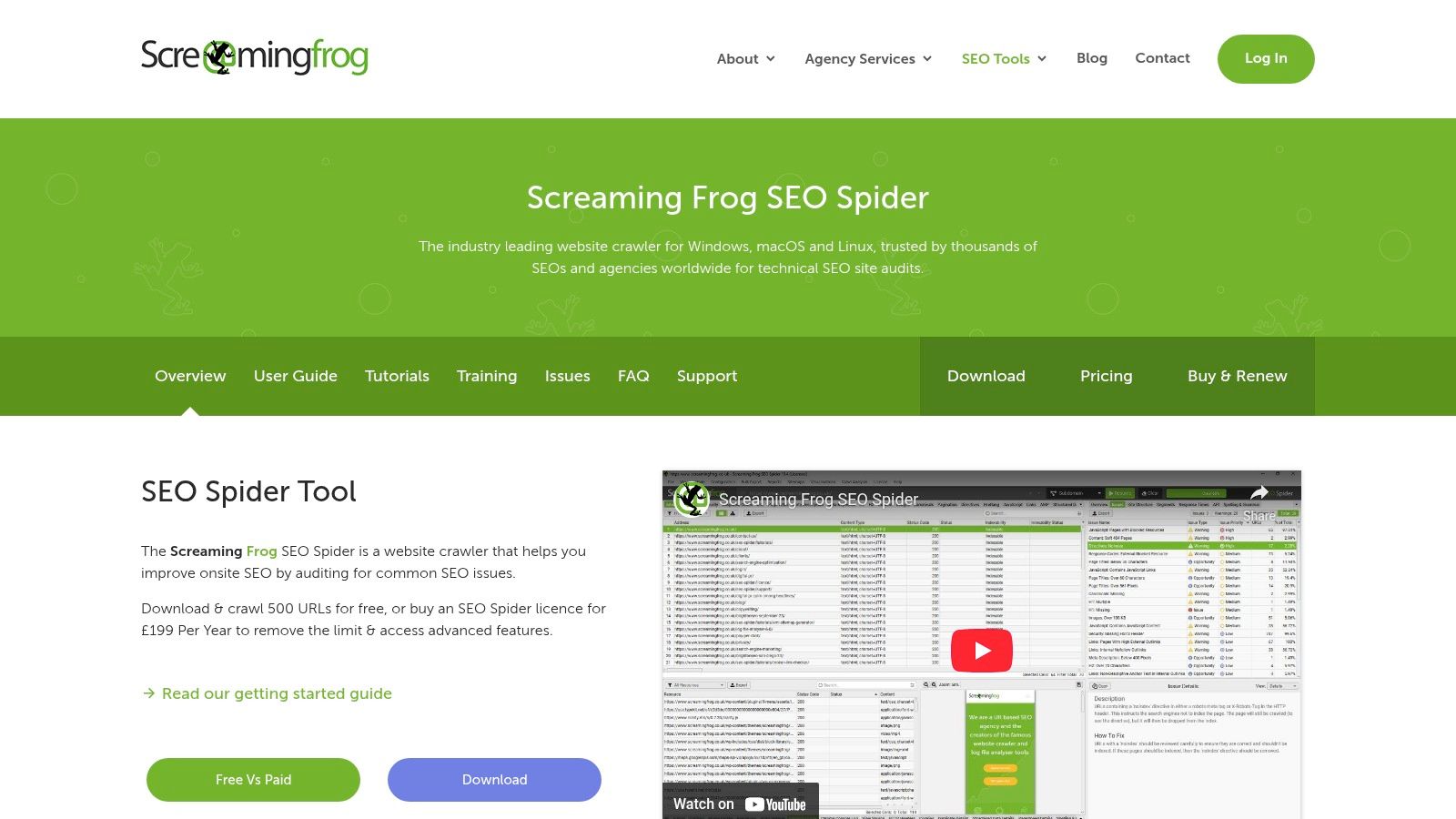
In contrast to cloud suites, which often offer simplified dashboards, Screaming Frog delivers raw, granular data that enables in-depth analysis. For example, a medical practice can check whether all important service pages can be correctly indexed and that there are no “duplicate content” problems. The user interface is more functional than modern, but gives experienced users quick access to all relevant technical SEO factors.
Core features and pricing
Screaming Frog offers a free version that allows you to crawl up to 500 URLs per website, which is enough for many small local websites. The paid license removes this limit and unlocks advanced features. The license costs £259 per year.
- In-depth technical audits: Finds broken links (404s), server errors, redirection chains, and blocked resources.
- Onpage analysis: Extracts and analyzes page titles, meta descriptions, headlines, and content lengths in bulk.
- Integrations: Connects to tools such as Google Analytics, Google Search Console, and PageSpeed Insights for enriched data.
- XML sitemap creation: Automatically generates XML sitemaps for submission to search engines.
Practical tip: Use the free version to crawl your website once a quarter. Filter by “Client Error (4xx)” to find and fix broken links — an easy way to improve user experience and your SEO.
AdvantageVery powerful in technical analysesRequires a certain training period for non-techniciansFree version for small websites often sufficientUser interface is functional, less SaaS convenienceFair, one-time price for the licenceNot accessible from everywhere as a desktop application
Site: https://www.screamingfrog.co.uk/seo-spider/
8. Shopify App Store: SEO apps for online shops
The Shopify App Store is not a standalone SEO tool, but the central marketplace for extensions within the Shopify ecosystem. For local retailers who sell their products online, the “SEO” category offers a wide selection of specialized apps that can be installed directly in the shop. This ranges from tools for optimizing image file sizes and alt texts to apps for generating structured data (schema markup) to solutions for managing metadata and redirects.
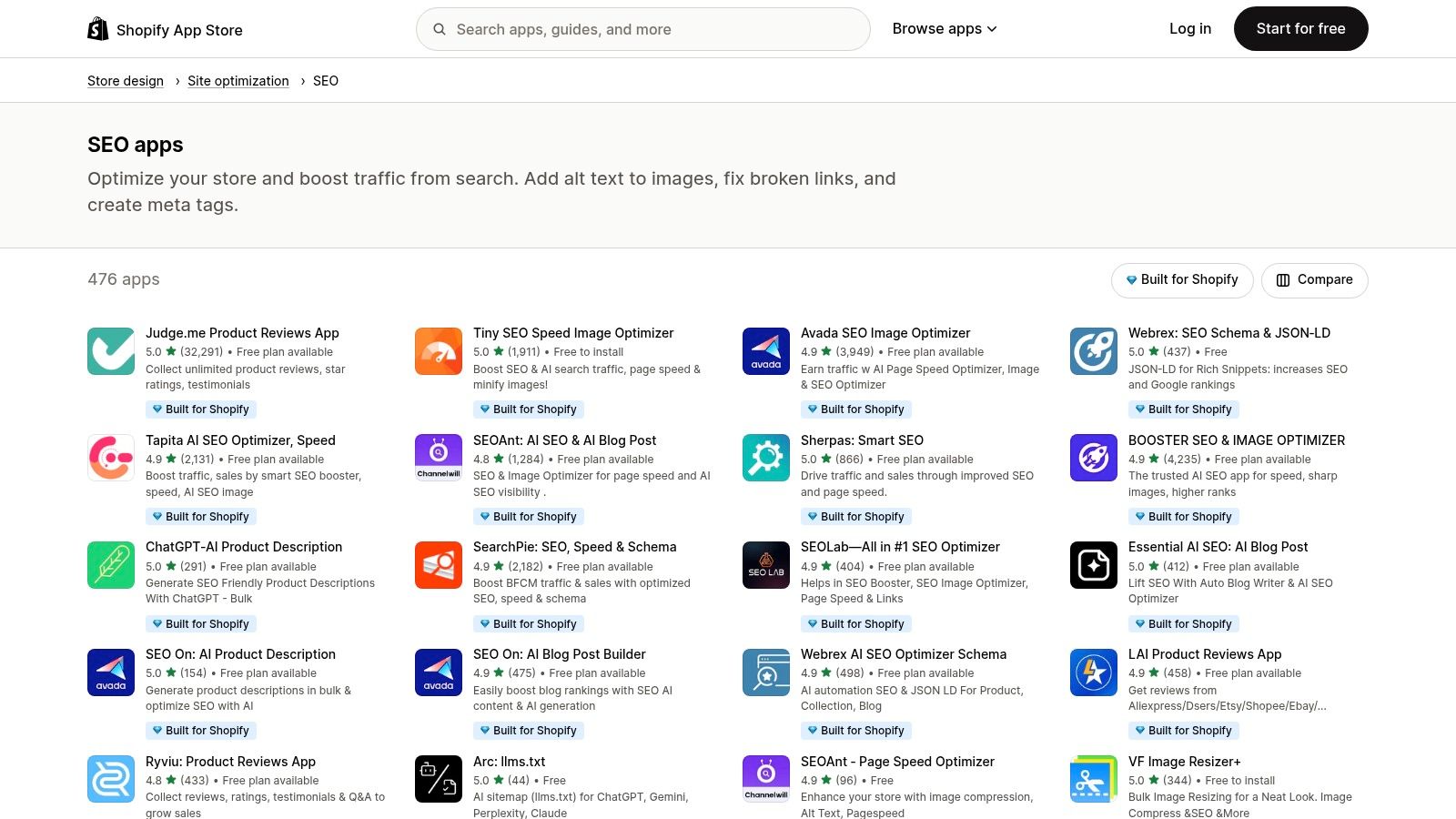
The key advantage for shop owners is seamless integration. Instead of having to connect external services in a complicated way, these SEO apps are integrated into the existing Shopify store with just a few clicks. For example, a local fashion store can quickly install an app to improve the loading times of its product images, which is relevant both for ranking and user experience. Thanks to transparent user reviews and the “Built for Shopify” seal, the quality of an app is easy to assess before installation.
Core features and pricing
The pricing models in the App Store vary significantly. Many apps offer a free basic version with limited features, while premium features are billed in monthly subscriptions, which are often between $5 and $30 per month.
- Filter and search function: Targeted search for SEO solutions for specific problems such as speed, schema, metadata, or image optimization.
- User reviews and reviews: Testimonials help you choose the right app.
- Direct installation: Seamless integration with the Shopify backend without any technical effort.
- Transparent pricing information: Costs and subscription models are clearly presented on the app page.
Practical tip: Don't install too many SEO apps at the same time. Many features overlap and, in the worst case, can cause conflicts in your website's code. Concentrate on a central app for on-page SEO and, if necessary, supplement it with a specialized solution, e.g. for image compression.
AdvantageSeamless installation and integration with Shopify's functional overlaps make the selection time-consuming Large selection of specialized SEO toolsEach app often has its own subscription (additional running costs) Transparent user reviews make the decisionQuality and support can vary significantly depending on the app developer
Site: https://apps.shopify.com/categories/store-design-site-optimization-seo
9. WordPress Plugin Directory: Integrated SEO Apps
For local companies that run their website on the CMS WordPress, the official plugin directory is the central point of contact. The “SEO” tag filters the selection and presents dozens of SEO apps (plugins) that can be integrated directly into your own website. Instead of an external platform, users manage search engine optimization directly in the WordPress backend, which represents an efficiency gain for many local companies.
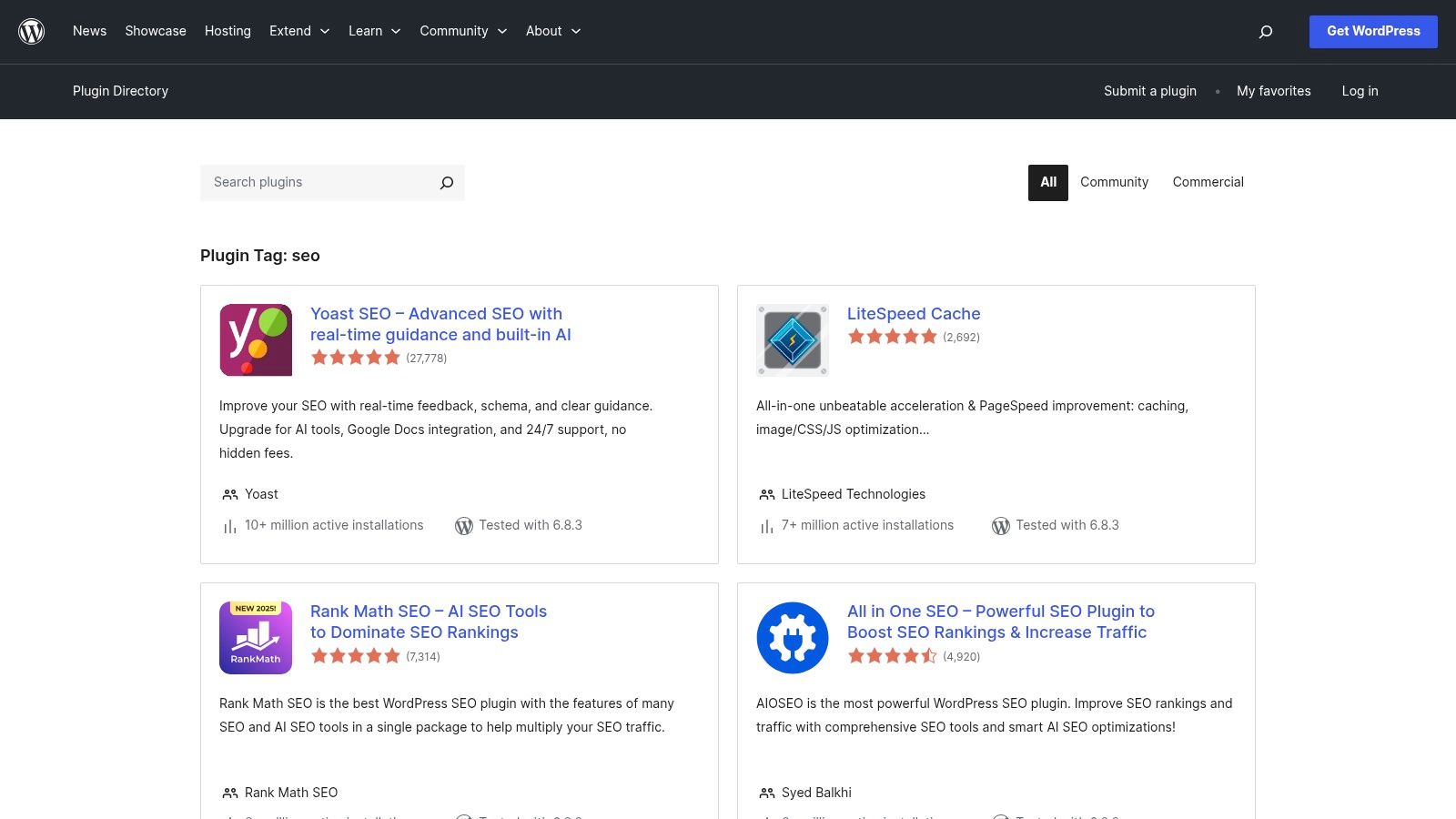
The biggest advantage lies in the direct connection to the content: When creating a new blog post, for example, a hair salon can check directly in the editor whether the text is optimized for the local keyword “Balayage Munich.” The most well-known plugins, such as Yoast SEO or Rank Math, offer recommendations for action. The wide range of free basic versions makes getting started low-threshold, but requires careful consideration of reviews and active installations to find high-quality plugins.
Core features and pricing
Many basic SEO plugins are free but offer premium extensions for advanced features. The price range for these add-ons ranges from around €50 to over €200 per year. The installation is done directly from the WordPress backend.
- Wide range of plugins: Access to established solutions such as Yoast SEO, Rank Math, All in One SEO, and many niche tools.
- Direct integration: SEO analysis and optimization directly in the WordPress editor and dashboard.
- Community Support: Many plugins offer free support forums via the WordPress.org platform.
- Ratings and metrics: Transparent user reviews and installation figures help with the selection.
Practical tip: Don't install multiple all-in-one SEO plugins at the same time. This can lead to technical conflicts. Choose a main plugin and, if necessary, supplement it specifically with specialized extensions, e.g. for the schema labeling of local business data.
AdvantageHuge selection of free and freemium pluginsQuality differences between the plugins are enormousSeamless integration with the WordPress backendPremium add-ons often necessary for important functionsStrong community and extensive documentationMaintenance and updates are your responsibility
Site: https://wordpress.org/plugins/tags/seo/
10. Chrome Web Store: SEO apps as browser extensions
The Chrome Web Store is not a single SEO app, but a library of browser extensions that enable quick and targeted SEO analyses directly while browsing. For local companies, these extensions offer an advantage: Instead of logging into complex software, important on-page factors, keyword data or technical aspects of a page can be checked with just one click — be it your own website or that of a local competitor.
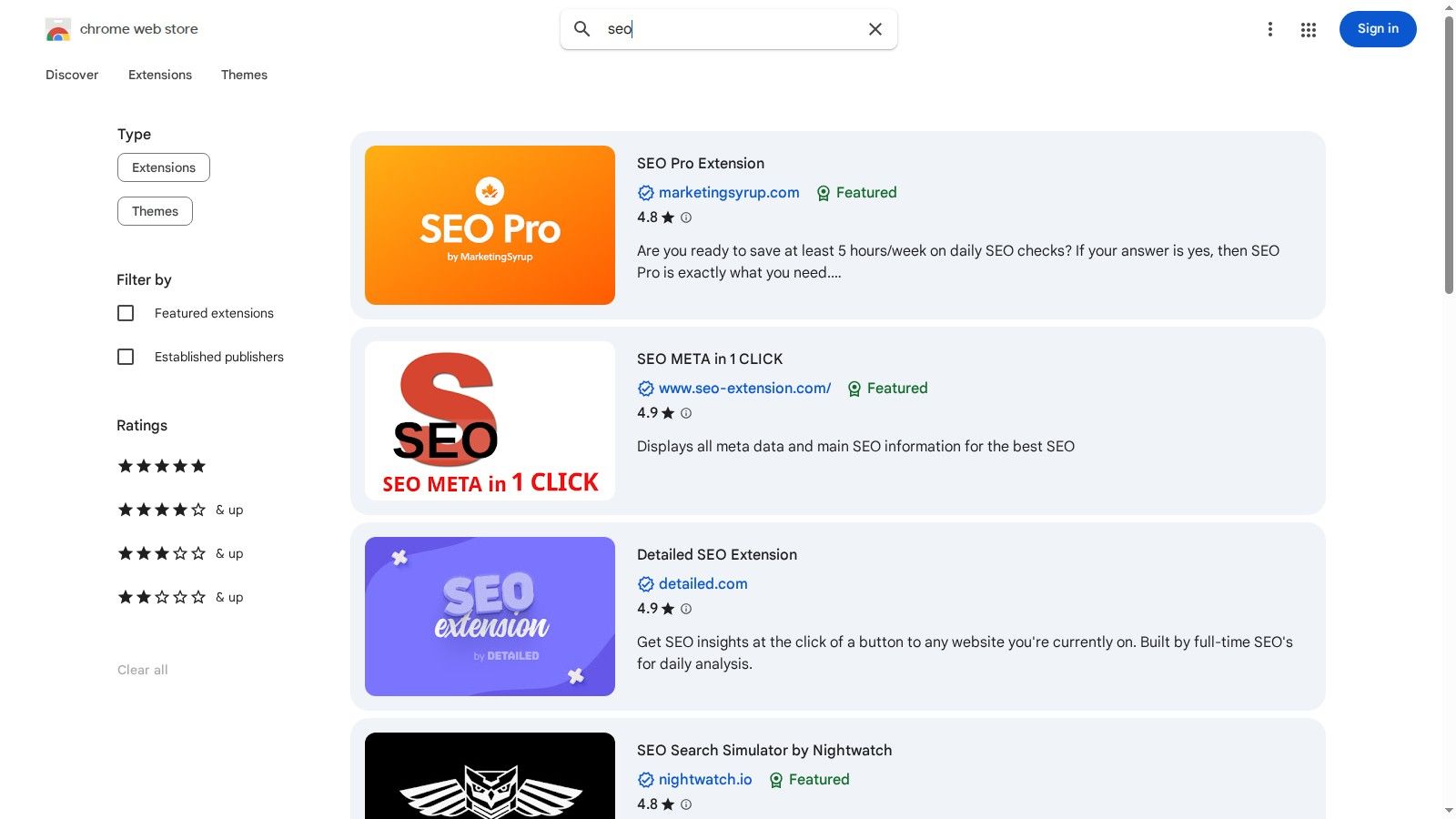
The strength lies in diversity and accessibility. For example, a local artisan can use the Ahrefs SEO Toolbar to see search volume and keyword difficulty directly in Google search results. Other extensions, such as the “Detailed SEO Extension”, deliver important on-page data such as titles, meta descriptions and headline structures in a flash. Many of these tools are free or offer useful freemium versions, making it easy for small businesses with limited budgets to get started.
Core features and pricing
Most SEO extensions in the Chrome Web Store are free or based on a freemium model, where basic functions are free and advanced features require a subscription or a paid subscription from the respective provider.
- Quick on-page analysis: Check titles, meta data, alt tags, and broken links directly on the page.
- SERP overlays: Enrich Google search results with additional data, such as search volumes and domain metrics.
- Competitive insights: Quick analysis of competitors' SEO strategy while visiting their website.
- One-click installation: Easy setup right in the browser.
Practical tip: Install a combination of two to three specialized extensions, for example one for on-page checks, one for keyword data in the SERPs, and one for analyzing broken links. This is how you create a flexible mini dashboard in the browser.
AdvantageFast analyses directly in the browser without tool switching functionality is usually more limited than with full-fledged SaaS toolsLarge selection of free and freemium toolsQuality and security check required — not every extension is trustworthy Ideal for quick, situational checksCan slow down the browser if there are too many active extensions
Site: https://chromewebstore.google.com/search/seo
11th Apple App Store: Mobile SEO apps for iOS
The Apple App Store serves as a central point of contact for local entrepreneurs who want to complete SEO tasks directly from their iPhone or iPad. Instead of a single, comprehensive solution, the store offers a variety of specialized apps for rank tracking, keyword research, or quick website audits. These mobile tools are ideal for quick on-the-go reviews, for example to check current visibility before a customer appointment or to collect new keyword ideas.
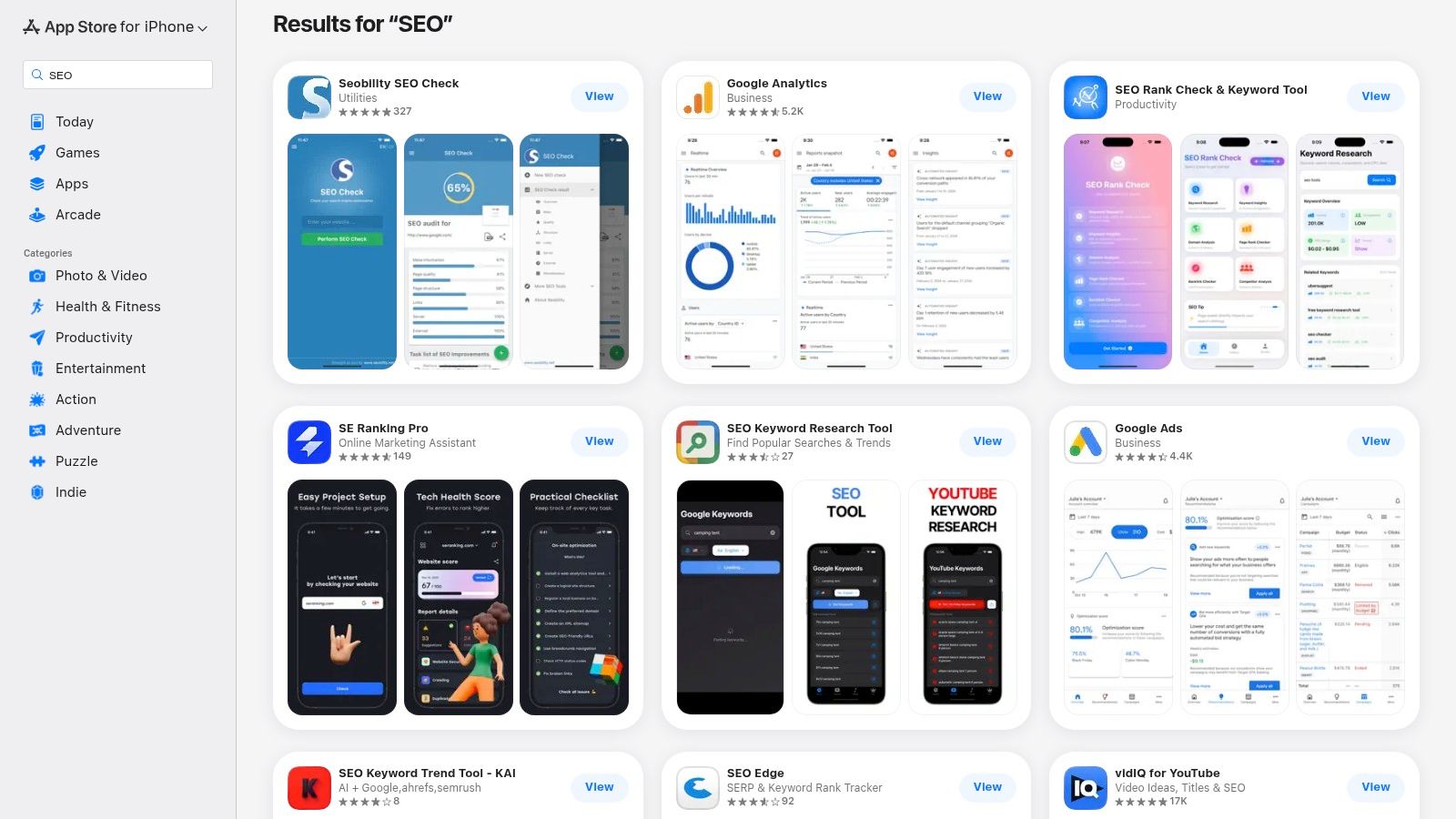
The biggest advantage lies in immediate availability and ease of use. Installation and billing are carried out seamlessly via the Apple ID, which makes it easy to get started. Local companies can thus use an SEO app specifically for a specific purpose without having to commit themselves to a large suite. The visible user reviews and update histories help to better assess the quality and reliability of an application before downloading.
Core features and pricing
Pricing models in the App Store vary widely, from free basic versions to subscriptions with in-app purchases for advanced features. The costs are often lower than desktop SaaS solutions, but they also reflect a reduced range of functions.
- Mobile rank trackers and analyzers: Quick review of keyword positions and basic website metrics.
- In-app purchases and subscriptions: Flexible models to only pay for the features you need
- Reviews and update history: Transparency about the quality and maintenance of the respective app.
- Device compatibility: Detailed information on which iOS or iPadOS versions the app runs on.
Practical tip: Always read the latest reviews before downloading. Pay attention to when the app was last updated to make sure it's still being actively maintained.
AdvantageSEO checks anytime and anywhereLower data depth than with desktop solutionsEasy installation and billing via AppleLarge quality differences between appsoftMals more cost-effective for specific tasksLimited functionality on small screens
Site: https://apps.apple.com/de/search?term=SEO
12. Google Play Store: SEO apps for Android devices
The Google Play Store is not a single SEO app, but the central ecosystem for all Android users to find and install a wide range of SEO tools. For local entrepreneurs who are often on the move, the store offers the option of carrying out quick analyses directly from a smartphone. Whether it's checking the current keyword rankings in a café or carrying out a quick on-page analysis before a customer appointment — the Play Store is the starting point for mobile SEO activities.
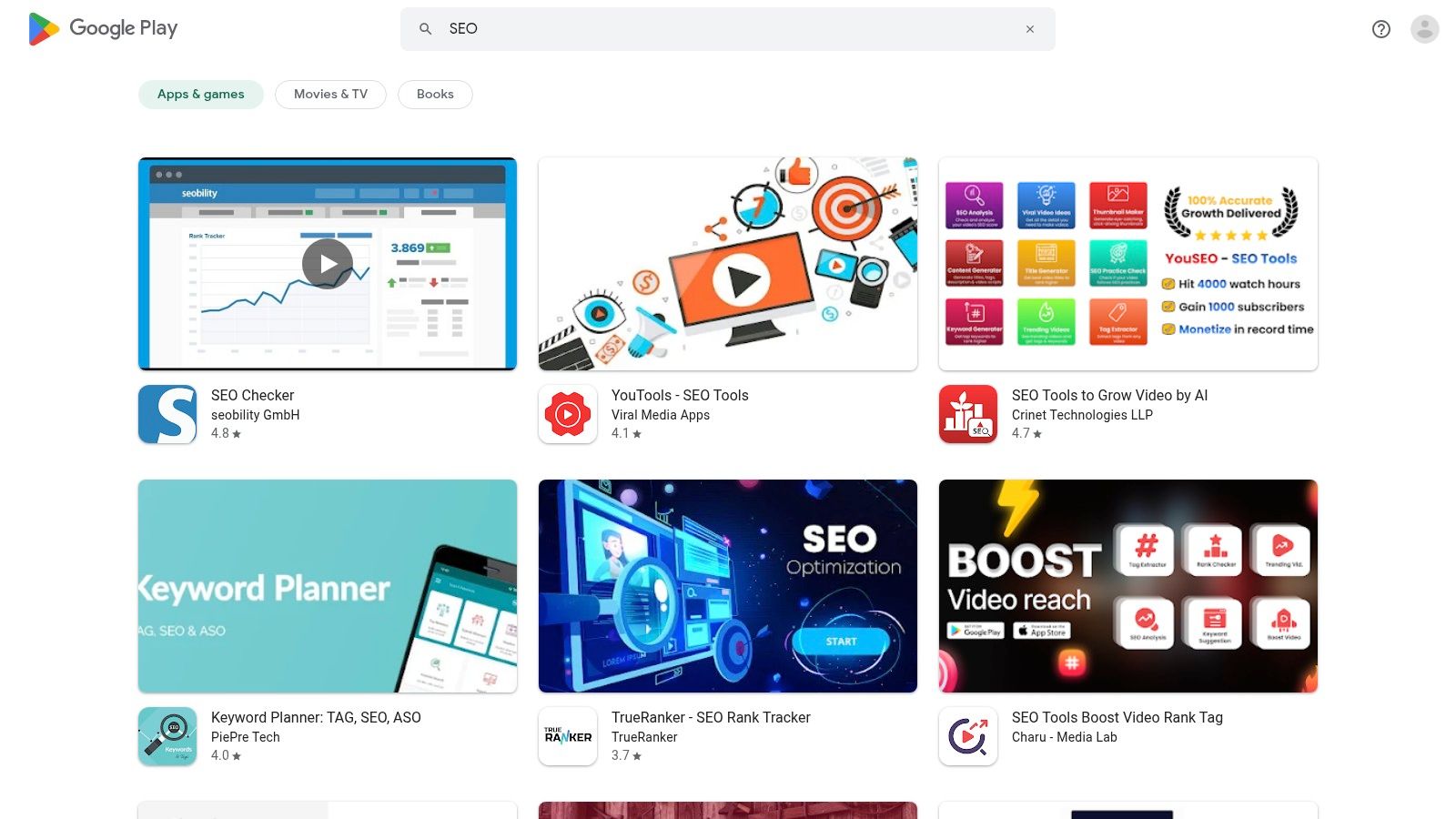
The strength of the Play Store lies in its wide selection. From simple rank trackers to specialized utilities for technical checks, there is an application for almost every need. The challenge, however, is distinguishing reputable and powerful apps from less useful ones. User reviews, installation figures and update history are important indicators of quality here. For entrepreneurs, it is a flexible and often cost-effective way to enter the world of SEO tools.
Core features and pricing
The pricing models in the Play Store vary widely: Many apps offer free basic versions with in-app purchases for advanced features or monthly subscriptions. This enables a flexible and needs-based start.
- Wide selection: Access to dozens of specialized SEO utilities for Android.
- Transparency: Reviews, installation figures and update history help with the selection.
- Easy management: Installation and billing are carried out conveniently via the Google account.
- Mobile flexibility: SEO tasks can be completed anytime, anywhere.
Practical tip: Look specifically for apps that offer a simple user interface and focus on a core feature (such as rank tracking only). These are often clearer and better suited for mobile use than overloaded all-in-one solutions.
AdvantageLarge selection of SEO apps for AndroidStrong differences in quality between appsEasy installation and billing via GoogleMobile apps are often less in-depth than desktop toolsMany free or inexpensive entry-level optionsFunctionality may be limited by the small display
Site: https://play.google.com/store/search?q=SEO&c=apps
Conclusion: The right SEO app for local companies
The search for the perfect SEO app depends heavily on individual goals, the available budget and your own time. There is no one solution for every local company. The central decision is often between independently managing a tool (DIY approach) and using a specialized service provider.
- DIY tools such as SISTRIX, Ahrefs or Seobility offer deep insights into data and are ideal for users who have the time and know-how to translate these analyses into concrete measures.
- Specialized solutions Such as WordPress plugins, Shopify apps, or browser extensions are useful for solving specific problems but also require active management.
- Managed Services such as SocialEdge are aimed at entrepreneurs who want to focus on their core business. Instead of using a tool, the entire SEO optimization — especially for the important Google company profile — is done by experts.
For most local businesses, the goal is not data analysis, but better visibility in local search. When time and resources are limited, a “done-for-you” service can therefore often be the more efficient way to achieve measurable results, such as more calls and customer inquiries.
Ready to improve your local visibility? Instead of digging into the details of another SEO app To lose, let the experts from SocialEdge do the job for you. Check availability for your industry and region now for free and find out how we can help you get ahead in the local search.